How to Use Everything to Find Any File on Windows 11 (Instant Search)

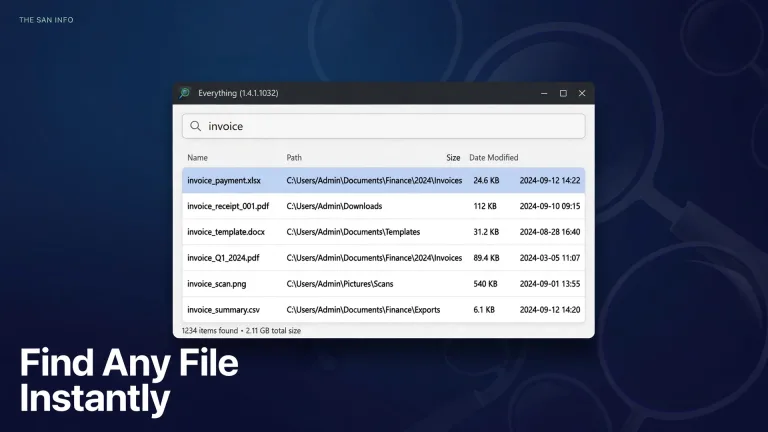
Learn how to use Everything search on Windows 11: install it in minutes, find any file instantly, and master syntax like size:, dm:, and ext: with real examples.
Explore useful software, practical guides, tutorials, comparisons and tips for choosing and using digital software. The San Info covers software for productivity, work, study, online tasks and everyday digital needs.
 ByMusi
Learn how to use Everything search on Windows 11: install it in minutes, find any file instantly, and master syntax like size:, dm:, and ext: with real examples.
 ByMusi
Create a bootable USB with Rufus: pick the right ISO, set GPT/UEFI or MBR/BIOS, handle the Windows 11 setup options, and verify the drive before booting.
 ByMusi
Convert a PDF to an editable Word document while keeping headings, tables, and layout intact — Word, Acrobat, and Google Drive methods tested, plus the cleanup checklist that fixes what drifts.
 ByMusi
To remove a background from an image in GIMP, add an alpha channel to the layer, select the background, and…
 ByMusi
PowerToys 0.102 adds Mouse Button Lock, CursorHide, a Command Palette shelf, ZoomIt snip dictation, and new CLI tools. Learn what is new and how to turn each feature on.
 ByMusi
Updated on
Windows Recall turns your Copilot+ PC into a searchable visual timeline. Learn how to enable it, search snapshots, filter apps and sites, and control privacy.