How to Batch Rename Files in Windows 11 (5 Methods That Actually Work)

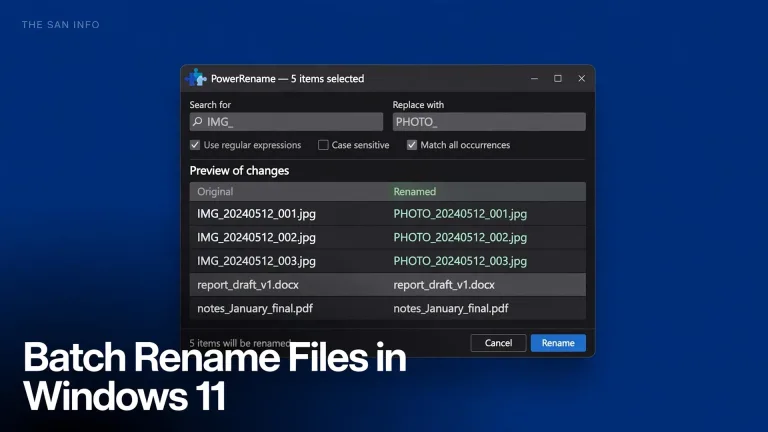
Short answer: For a quick rename of a handful of files, select them in File Explorer and press F2. For…
Explore useful software, practical guides, tutorials, comparisons and tips for choosing and using digital software. The San Info covers software for productivity, work, study, online tasks and everyday digital needs.
 ByMusi
Updated on
Short answer: For a quick rename of a handful of files, select them in File Explorer and press F2. For…
 ByMusi
Windows 11’s built-in “Apps & features” uninstaller does the bare minimum: it runs the program’s own uninstaller and walks away….
 ByMusi
Updated on
I compressed the same 1080p clip five ways and measured every result. These HandBrake, FFmpeg and VLC settings shrink video files with no visible quality loss.
 ByMusi
Updated on
HEIC photos won’t open on your PC? 4 no-cost ways to convert HEIC to JPG on Windows 11: Photos Save as, Paint, a free batch tool, and a command-line method.
 ByMusi
Learn how to use VLOOKUP in Excel with real tested examples: exact syntax, why FALSE is non-negotiable, 3 common errors fixed, and when to switch to XLOOKUP.
 ByMusi
Updated on
Permanently deleted a file on Windows 11 and felt your stomach drop? There is a decent chance it is not…