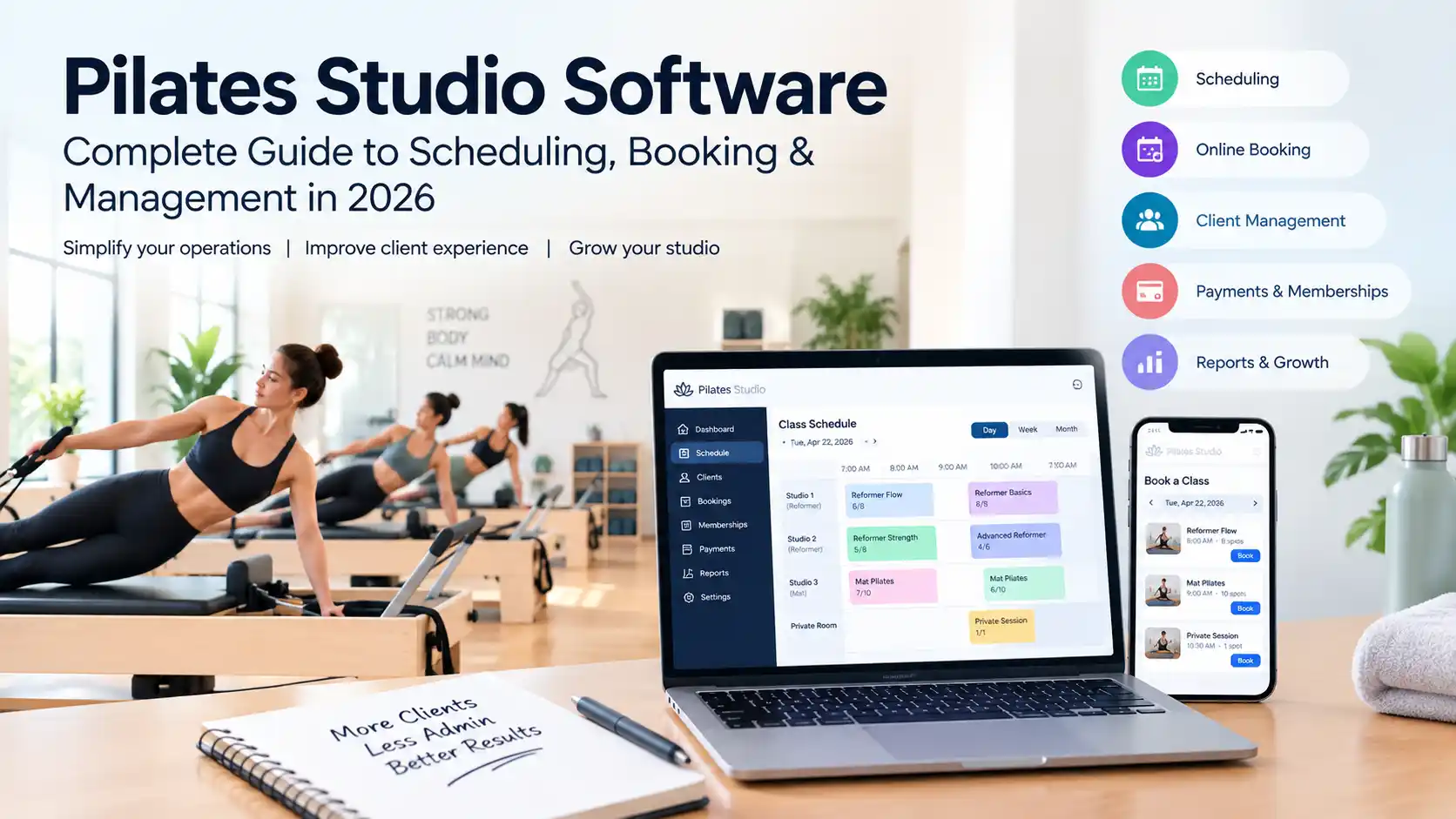
Pilates Studio Software: Complete Guide to Scheduling, Booking & Management

Running a Pilates studio involves much more than teaching classes.
You need to manage schedules, instructors, client bookings, memberships, class packages, payments, cancellations, waitlists, and customer communication. If your studio uses reformers or other limited equipment, you also need to make sure each class has the right number of available spots.
That is where Pilates studio software can help.
A good platform can bring scheduling, booking, payments, memberships, and client management into one system. Some Pilates-focused platforms also support equipment-based booking and allow clients to reserve a particular reformer or studio spot.
But choosing the right software is not simply about picking the platform with the most features.
A small Pilates studio may only need simple scheduling and online booking, while a larger Reformer studio may need equipment management, memberships, payment processing, staff scheduling, reporting, and automated client communication.
This guide explains what Pilates studio software is, the features that matter most, the difference between scheduling and management software, and how to choose the right solution for your studio.
What Is Pilates Studio Software?
Pilates studio software is a digital platform that helps Pilates businesses manage their day-to-day operations.
Depending on the platform, it can include:
- Class scheduling
- Online booking
- Private session scheduling
- Reformer or equipment management
- Memberships
- Class packages
- Payments
- Client profiles
- Attendance
- Waitlists
- Automated reminders
- Staff management
- Marketing
- Reporting
Instead of managing different parts of your studio with separate spreadsheets, calendars, payment systems, and messaging applications, you can manage many of these activities through one platform.
Why Do Pilates Studios Need Specialized Software?
At first glance, booking a Pilates class may look similar to booking any other fitness class.
The difference becomes more obvious when equipment and limited capacity are involved.
A Pilates studio might offer:
- Reformer classes
- Mat classes
- Private sessions
- Duet sessions
- Semi-private sessions
- Workshops
- Different instructors
- Different rooms
- Limited reformers
- Different membership plans
- Class packages
For a Reformer class, capacity may depend on the number of available machines rather than the physical size of the room.
For example, if a studio has eight reformers, a class may have a maximum of eight participants.
Some Pilates software can manage equipment-based capacity and, in some cases, let clients select a particular Reformer or studio spot when booking.
This makes it important to choose software that matches the way your studio actually operates.
Pilates Studio Software vs Pilates Scheduling Software
These terms are often used interchangeably, but they can describe different levels of functionality.
Pilates Scheduling Software
Scheduling software mainly helps you manage:
- Class calendars
- Instructor availability
- Appointments
- Class capacity
- Bookings
- Cancellations
- Waitlists
- Reminders
This may be enough for a small studio with a relatively simple schedule.
Pilates Studio Management Software
Management software usually goes further and may combine scheduling with:
- Client management
- Memberships
- Class packages
- Payments
- Attendance
- Staff management
- Marketing
- Reporting
- Automated communication
If your studio is small and your requirements are simple, scheduling software may be enough. If you manage multiple instructors, memberships, packages, and many clients, a full studio management platform may be more suitable.
The Most Important Pilates Software Features
The best feature list depends on your business, but these are the areas I would evaluate first.
1. Class Scheduling
Scheduling is the foundation of Pilates studio software.
A good system should make it easy to create and manage:
- Recurring classes
- One-time classes
- Private sessions
- Semi-private sessions
- Workshops
- Instructor schedules
- Different rooms
- Class capacities
You should also be able to see which classes are full and which still have available places.
2. Online Pilates Booking
Online booking allows clients to reserve classes without calling or messaging the studio.
A good Pilates booking system should let clients:
- View the class schedule
- See available spaces
- Book a class
- Cancel according to your policies
- Reschedule where allowed
- Join a waitlist
- Receive booking confirmation
- View upcoming sessions
Online booking can reduce administrative work and provide a more convenient client experience.
3. Reformer and Equipment Management
This is especially important for Reformer Pilates studios.
Suppose your studio has 10 reformers.
Your software should understand that the class has a maximum equipment capacity of 10.
Some platforms can go further and let clients choose a specific Reformer or studio position.
Before buying software, ask:
Can clients select a specific Reformer or studio spot?
If this is important to your business, do not assume every booking platform supports it.
4. Memberships
Many Pilates studios use memberships as part of their pricing model.
You may offer:
- Monthly memberships
- Unlimited memberships
- Limited-class memberships
- Introductory memberships
- Recurring plans
Your software should track which classes are included in each plan and automatically apply the correct membership when a client books.
5. Class Packs
Not every client wants a monthly membership.
You may sell:
- 5-class packages
- 10-class packages
- 20-class packages
- Private-session packages
Good software should track the number of remaining credits and automatically apply the correct package when a client books.
6. Waitlists
Pilates classes can have limited capacity, especially Reformer classes.
A waitlist allows clients to join a full class and receive an opportunity to book if someone cancels.
This can be particularly useful for popular time slots.
7. Payments and Billing
A good Pilates studio platform should connect bookings with payments.
Look for support for:
- Online payments
- Recurring memberships
- Class-package purchases
- Refunds
- Payment records
- Failed-payment management
Having booking and payment information in one system can reduce administrative work.
8. Client Management
A client’s booking history is only one part of the relationship.
A useful client profile may include:
- Contact details
- Booking history
- Membership
- Package balance
- Attendance
- Payments
- Notes
- Communication history
This gives your staff a better view of each client’s relationship with the studio.
9. Instructor Management
Your instructors are another important part of studio operations.
Useful software can help manage:
- Instructor schedules
- Availability
- Class assignments
- Substitutions
- Staff permissions
- Different user roles
This becomes increasingly important as your studio grows.
10. Automated Reminders
Automated reminders can reduce missed classes and unnecessary manual communication.
Useful notifications include:
- Booking confirmations
- Class reminders
- Cancellation notifications
- Waitlist notifications
- Membership reminders
- Payment notifications
Check which communication features are actually included in the plan you are considering.
11. Reporting
Good reporting helps you understand how your studio is performing.
Useful reports may include:
- Revenue
- Attendance
- Class utilization
- Membership growth
- Package usage
- Cancellations
- No-shows
- Instructor activity
- Client retention
You may not need advanced analytics when you first open your studio, but reporting becomes more useful as the business grows.
What Is the Best Pilates Studio Software?
There is no single platform that is best for every Pilates studio.
The right choice depends on:
- Number of instructors
- Number of reformers
- Number of clients
- Private vs group classes
- Membership model
- Number of locations
- Marketing requirements
- Budget
- Need for equipment-based booking
Instead of choosing software only because it has the longest feature list, identify the features that directly solve your studio’s problems.
Popular Pilates Studio Software Options
Several platforms are worth researching before making a decision.
Mindbody
Mindbody is a broad fitness and wellness business-management platform with scheduling, bookings, memberships, payments, staff management, client communication, and reporting.
Best for: established businesses looking for a broader business-management ecosystem.
Momence
Momence focuses heavily on boutique fitness and studio operations. Its Pilates offering includes scheduling, bookings, memberships, class packs, payments, client communication, and equipment or spot booking.
Best for: Pilates studios that want strong booking and client-experience features.
WellnessLiving
WellnessLiving provides scheduling, client engagement, retention, and broader business-management functionality for Pilates and wellness businesses.
Best for: studios looking for scheduling alongside broader client-management features.
Vagaro
Vagaro offers online booking, scheduling, payments, memberships, and broader business-management features for fitness and wellness businesses.
Best for: studios that want scheduling combined with wider business-management capabilities.
OfferingTree
OfferingTree combines website tools, scheduling, memberships, payments, and other business features.
Best for: independent studios looking for several business functions in one platform.
Pilates Booking Software: What Should Clients Experience?
Do not evaluate software only from the studio administrator’s perspective.
Test it as if you were a customer.
A good booking process should ideally look like:
Choose a class
↓
Choose date and time
↓
See availability
↓
Choose a spot if supported
↓
Apply membership or class credit
↓
Confirm booking
↓
Receive confirmation
↓
Get a reminder
The fewer unnecessary steps clients have to complete, the better.
Questions to Ask Before Buying Pilates Software
Before signing a contract, ask these questions.
Can it support Reformer classes?
Make sure the platform understands equipment-based classes if your studio depends on reformers.
Can clients choose their Reformer?
This may be important for studios where equipment position matters.
Can I manage private and group sessions?
Make sure the software supports the exact session types you offer.
Can I sell memberships and class packs?
Check whether both are supported and how credits are managed.
Does it support waitlists?
Find out whether waitlists are manual or automated.
Can instructors manage their availability?
This becomes especially useful as your team grows.
Does it work with my website?
Your booking system should fit naturally into your current website.
Can I export my client data?
Understand how your data can be exported if you ever decide to change software.
Are there additional fees?
Ask about:
- Payment processing
- SMS
- Marketing
- Additional users
- Additional locations
- Branded apps
- Setup fees
- Data migration
- Add-ons
A platform with a cheap starting price may become expensive after necessary features are added.
Pilates Studio Software Comparison Checklist
Before choosing a platform, consider how important each feature is to your business.
| Feature | Importance |
|---|---|
| Class scheduling | Very High |
| Online booking | Very High |
| Reformer/equipment management | Very High for Reformer studios |
| Memberships | Very High |
| Class packages | Very High |
| Waitlists | High |
| Payments | Very High |
| Client management | High |
| Instructor management | High |
| Automated reminders | Medium |
| Reporting | Medium to High |
| Marketing | Medium |
| Website integration | High |
| Data export | Very High |
Your priorities may be different depending on the size and business model of your studio.
What Should a Small Pilates Studio Look For?
A small studio usually does not need the most complicated platform available.
Start with:
- Online booking
- Class scheduling
- Payments
- Memberships
- Class packs
- Client management
- Reminders
Do not pay for advanced features that you will never use.
A simple platform that your staff can use efficiently may be better than a complicated system with hundreds of features.
What Should a Reformer Pilates Studio Look For?
If your business revolves around Reformer classes, prioritize:
- Reformer capacity
- Spot selection
- Waitlists
- Class packages
- Memberships
- Instructor scheduling
- Online booking
- Automated reminders
Equipment-aware booking can be especially valuable because your studio is selling a limited number of equipment positions.
What Should a Growing Pilates Studio Look For?
As your business grows, your software requirements may change.
You may eventually need:
- Multiple locations
- Multiple instructors
- Different staff permissions
- Advanced reporting
- Automated marketing
- Membership billing
- Client-retention tools
- Integrations
- Data-management features
Choosing a platform with room to grow can help avoid a difficult software migration later.
How Much Does Pilates Studio Software Cost?
Pilates software pricing varies significantly between platforms and plans.
Some systems offer relatively affordable monthly subscriptions, while larger platforms can cost more after advanced features, payment processing, staff accounts, locations, or add-ons are included.
Do not compare software based only on the advertised starting price.
Instead, calculate your total monthly cost:
Software subscription
Payment fees
SMS or communication fees
Marketing features
Additional users or locations
Actual monthly cost
Ask for a complete pricing breakdown before signing a contract.
How to Choose the Right Pilates Software
Follow these steps before making your decision.
Step 1: Identify Your Current Problems
Write down everything you currently manage manually.
For example:
- Bookings
- Payments
- Instructor schedules
- Waitlists
- Memberships
- Class packages
- Client communication
Step 2: Separate Must-Have and Nice-to-Have Features
Your must-have list might include:
- Scheduling
- Online booking
- Memberships
- Payments
- Reformer capacity
Everything else can be considered afterward.
Step 3: Test the Client Experience
Book a class as if you’re a customer.
Look at how many steps it takes and whether the process feels simple.
Step 4: Test the Staff Experience
Create a class, change an instructor, cancel a booking, process a payment, and test the features your staff will actually use.
Step 5: Calculate the Real Cost
Include subscriptions, payment fees, add-ons, staff accounts, and communication charges.
Step 6: Check Data Export
Make sure you understand how your client and business data can be exported.
Step 7: Match the Software to Your Workflow
Do not completely change your business process simply because a software company has a particular feature.
Choose the platform that makes your existing workflow easier.
Is Pilates Studio Software Worth It?
For a very small studio, manual management may work for a while.
But as your number of clients, classes, instructors, and memberships increases, administration becomes more difficult.
The value of Pilates software is not simply an online calendar.
The real value comes from connecting:
Scheduling + Booking + Clients + Memberships + Payments + Communication
into one workflow.
For a Reformer studio, equipment and capacity management can be particularly important.
For a solo instructor, simplicity and affordability may matter more.
For a multi-location business, staff management and reporting may become essential.
The right software is therefore the one that solves your actual operational problems.
Final Verdict
Choosing the best Pilates studio software should start with your studio, not the vendor’s feature list.
Ask yourself:
- How many instructors do we have?
- How many reformers do we have?
- Do we offer private sessions?
- Do we sell memberships or class packs?
- Do clients need to select their equipment spot?
- How much of our administration is currently manual?
Once you know the answers, it becomes much easier to identify the right platform.
For a simple studio, straightforward Pilates scheduling software may be enough.
For a busy Reformer studio, equipment-aware booking, memberships, waitlists, and client management may be more important.
For a growing multi-location business, you may need a complete studio-management platform.
The best software isn’t the one with the longest feature list. It’s the one that makes running your studio easier.
Frequently Asked Questions
What is Pilates studio software?
Pilates studio software is a platform that helps Pilates businesses manage scheduling, online booking, memberships, payments, clients, attendance, staff, and other studio operations.
What is Pilates scheduling software?
Pilates scheduling software primarily helps studios manage classes, appointments, instructor availability, capacity, bookings, cancellations, and waitlists.
What is the best Pilates studio software?
There is no single best platform for every studio. The right choice depends on your studio size, class types, reformer capacity, membership model, instructors, budget, and business requirements.
What is the difference between Pilates booking software and Pilates management software?
Pilates booking software mainly handles reservations and scheduling. Pilates management software usually combines booking with memberships, payments, client management, staff management, reporting, and other business functions.
Can Pilates software manage Reformer classes?
Some Pilates platforms support equipment-based booking and may allow clients to select specific Reformer positions or studio spots. The exact functionality varies between providers.
Can Pilates studio software manage memberships?
Yes. Many Pilates studio platforms support memberships, subscriptions, class packages, and introductory offers.
Can clients book Pilates classes online?
Yes. Online booking is a common feature of modern Pilates scheduling platforms and allows clients to view schedules and reserve classes without contacting the studio manually.
Does Pilates software support private sessions?
Many platforms support both group classes and private sessions, but the exact workflow varies between providers. Check this before purchasing.
Does Pilates software include payment processing?
Many platforms combine booking and payment functionality, but payment methods and processing fees vary.
Is Pilates scheduling software expensive?
Pricing varies significantly. Some platforms offer affordable plans, while larger systems can cost more after advanced features, add-ons, payment fees, and additional users are included.
About The San Info
The San Info provides practical software guides, useful online tools, and technology comparisons to help businesses and everyday users make better technology decisions.