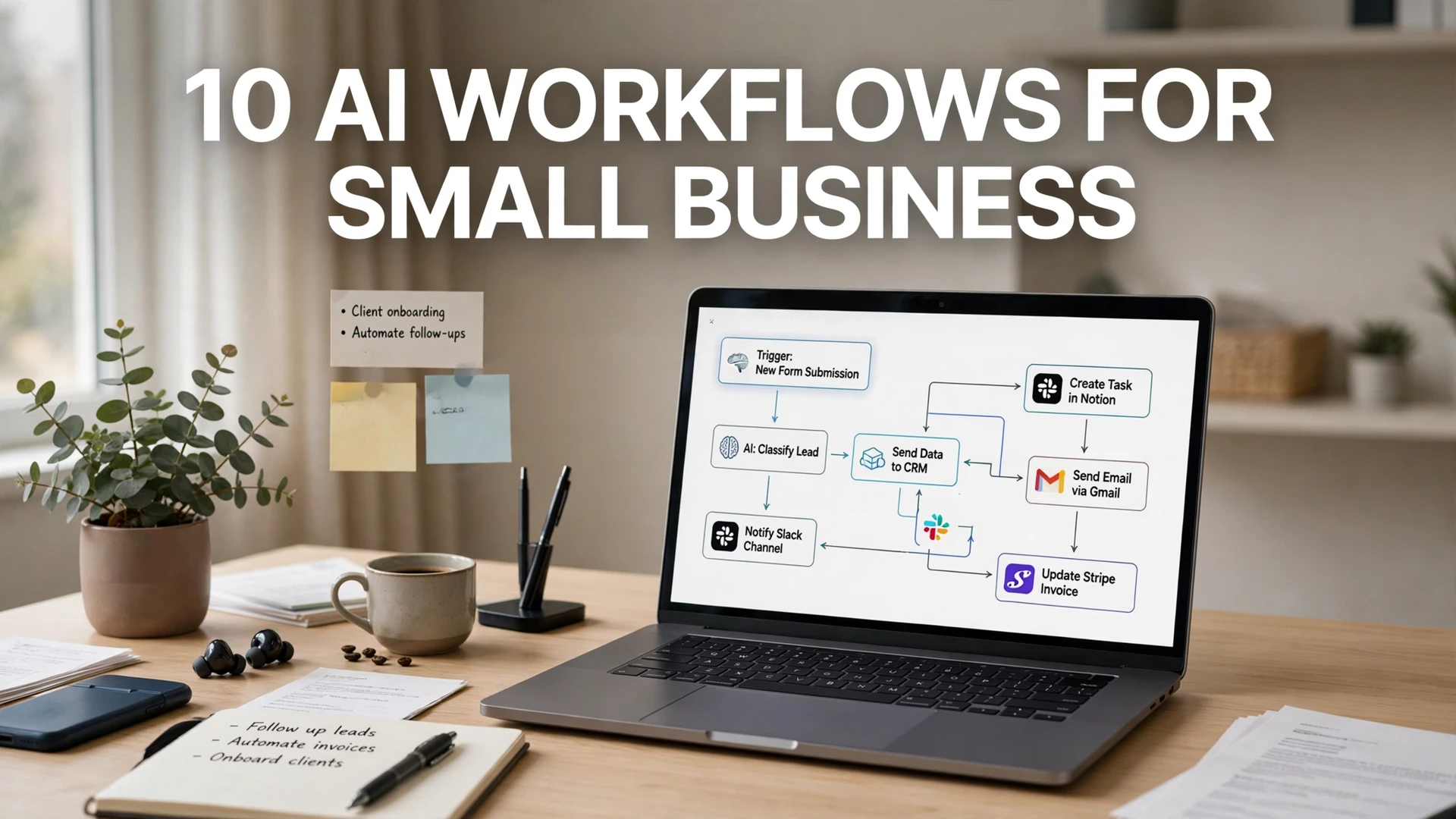
10 AI Workflows for Small Business

Quick answer: The highest-ROI AI workflows for a small business are instant lead follow-up, automated review requests, invoice reminders, new-customer onboarding, and meeting-notes-to-CRM. You can build all five free: Make gives you 1,000 automation operations per month at $0, Zapier gives 100 tasks, and n8n is unlimited if you self-host. Start with one workflow that touches revenue — lead follow-up — and add the rest one at a time.
Most small businesses don’t have an AI problem. They have a workflow problem. Around two-thirds of US small businesses now use AI somewhere in the business — Thryv’s 2026 survey puts adoption at 66%, up from 55% a year earlier — yet most owners use it the same way: opening a chatbot, typing a prompt, copying the answer. Useful, but it doesn’t change how the business runs.
The businesses getting real returns do something different: they wire AI into workflows that run on their own. Homebase’s 2026 Main Street AI Gap Report found 89% of small businesses using AI report a positive business impact, and owners who paired AI with scheduling and payroll saved an average of 7.7 hours and $343 a month — more than $4,100 a year. If scheduling is the workflow you want to fix first, our hands-on Cal.com vs Calendly comparison tests both booking tools on price, free plans, and team features to see which fits a small business. The savings don’t come from a smarter chatbot. They come from work that happens without anyone touching it.
Below are 10 workflows that actually pay for themselves, ordered by impact. Each one can be built with no-code tools, and I’ve noted the realistic free-tier cost for each.
What an AI workflow actually is
A workflow is a chain: trigger → AI step → action. A website form submission (trigger) gets summarized and scored by AI (AI step), then routed to the right salesperson with a draft reply ready (action). Nobody opens a chatbot. The work just happens.
You build these with automation platforms — Zapier, Make, or n8n are the three that matter for small businesses in 2026. Here’s what each one actually costs, checked against their pricing pages in October 2026:
| Platform | Free plan | Entry paid plan | Best for |
|---|---|---|---|
| Zapier | 100 tasks/month, two-step Zaps | $19.99/mo billed annually (750 tasks) | Beginners; 9,000+ app integrations |
| Make | 1,000 operations/month | Around $9–12/mo (10,000 credits) | Best value; visual multi-step workflows |
| n8n | Self-hosted: unlimited, $0 license | Cloud from $20/mo (2,500 executions) | Technical owners; AI agent workflows |
The honest math: Zapier’s free tier is the most limited — 100 tasks disappear fast when each workflow run burns several tasks. Make’s free 1,000 operations go roughly 10x further for multi-step workflows. If you have any technical help, self-hosted n8n on a $5–10/month VPS is unlimited. Pricing changes often, so verify on the official pricing page before you commit.
The 10 workflows, ranked by impact
1. Instant lead follow-up
Trigger: new website form submission or quote request. Flow: AI drafts a personalized reply using the lead’s details → you (or your team) get a Slack/email alert with the draft → one click sends it. Businesses that respond within 5 minutes convert dramatically better than those that wait an hour, and this workflow makes a 5-minute response automatic even at midnight. Cost: fits comfortably in Make’s free tier.
2. Automated review requests
Trigger: job marked complete in your booking system or invoice paid. Flow: wait 24 hours → send a personalized review request with a direct Google review link → if no review after 7 days, send one gentle reminder, then stop. Reviews are the cheapest marketing a local business can buy, and this is the workflow most owners should build second. Cost: free on any platform.
3. Invoice reminders that don’t feel awkward
Trigger: invoice 3 days overdue in your accounting tool. Flow: AI drafts a polite, firm reminder referencing the invoice number and amount → sends automatically → escalates tone at 14 and 30 days. Late payments are a cash-flow killer for small businesses; automating the chase removes the awkwardness that makes owners delay it. Cost: free tier; pairs with tools like Wave or Zoho Invoice.
4. New-customer onboarding sequence
Trigger: new customer added to your CRM. Flow: day 0: welcome email with what to expect → day 3: quick-start guide → day 7: check-in asking if they need help → day 14: upsell or referral ask. Write the sequence once; every customer gets the polished version. Cost: free — email sending goes through your existing email marketing tool.
5. Meeting notes to CRM, automatically
Trigger: sales call or client meeting ends. Flow: AI transcribes the recording (or your typed notes) → extracts action items, decisions, and follow-up dates → creates tasks in your project tool and updates the CRM. This single workflow recovers the 30 minutes of admin that follows every hour-long meeting. Cost: free tier; transcription via your meeting tool’s built-in AI or one of five free AI meeting transcription tools we tested side by side.
6. Support inbox triage
Trigger: new email to support@. Flow: AI classifies the message (billing question, technical issue, refund request) → drafts a reply from your help docs → routes urgent items to a human immediately. You still approve anything sensitive; the AI just does the sorting and first draft. Cost: fits in Make’s free tier for typical small-business volumes.
7. One piece of content becomes five
Trigger: you publish a blog post or record a video. Flow: AI extracts key points → drafts a LinkedIn post, an X thread, a newsletter section, and short video captions → saves them as drafts for your review. Content repurposing is the highest-leverage marketing workflow for a one-person marketing team. Cost: free; the AI step uses whatever AI subscription you already have.
8. Abandoned cart recovery
Trigger: cart abandoned for 1 hour. Flow: reminder email → 24 hours later, a second email with a small incentive → 72 hours, final nudge. Ecommerce platforms like Shopify have this built in, but if you sell through a custom site or take orders by form, this workflow recovers revenue you’d otherwise lose silently. Cost: free tier.
9. Weekly KPI digest
Trigger: every Monday at 8am. Flow: pulls numbers from your sales, marketing, and finance tools → AI writes a plain-English summary (“Revenue up 12% vs last week, driven by repeat customers; ad spend efficiency dropped”) → posts it to Slack or email. Owners who get this digest make faster decisions than owners who log into five dashboards. Cost: free tier.
10. Content idea pipeline
Trigger: weekly, or whenever you save an idea. Flow: collects ideas from a form or notes app → AI expands each into an outline with a working title and key points → adds them to your content calendar as drafts. Never stare at a blank page again. Cost: free.
All 10 workflows at a glance
| Workflow | What it automates | Core tools | Typical monthly cost |
|---|---|---|---|
| Lead follow-up | Instant personalized replies to new inquiries | Make/Zapier + your AI subscription | $0 (free tier) |
| Review requests | Timed Google review asks after each job | Make/Zapier + booking system | $0 (free tier) |
| Invoice reminders | Polite, escalating payment chases | Make + Wave/Zoho Invoice | $0 (free tier) |
| Onboarding sequence | Welcome + check-in email series | Your email tool’s automation | $0 (free email plan) |
| Meeting notes to CRM | Transcription → tasks → CRM update | Meeting tool AI + Make/Zapier | $0 (free tier) |
| Support triage | Classify + draft replies to support mail | Make + AI step | $0 (free tier) |
| Content repurposing | One post → social, newsletter drafts | Your AI subscription | $0 (existing AI plan) |
| Cart recovery | Timed abandoned-cart email series | Shopify/email tool or Make | $0 (free tier) |
| KPI digest | Weekly plain-English numbers summary | Make + AI step | $0 (free tier) |
| Idea pipeline | Raw ideas → outlines → calendar | Your AI subscription | $0 (existing AI plan) |
How to launch your first workflow this week
Don’t build all ten. Pick one — lead follow-up if you get inquiries, review requests if you do local jobs, invoice reminders if cash flow is tight. Then:
1. Map it on paper first. Write the trigger, each step, and the end result in plain sentences. If you can’t explain it in five sentences, it’s too complex for a first workflow.
2. Start on a free tier. Make’s free 1,000 operations/month is the most generous starting point for multi-step workflows. Zapier is easier to learn but its 100 free tasks run out fast — fine for testing, not for running.
3. Keep a human in the loop. For anything customer-facing, have the AI draft and a human approve for the first month. You’ll catch tone problems early and build trust in the system.
4. Measure one number. Response time for lead follow-up, review count for review requests, days-to-payment for invoice reminders. If the number moves, the workflow stays. If not, fix the workflow — don’t add another one.
5. Add the next workflow only when the first runs untouched for a month. The failure mode of automation is building ten half-working workflows instead of three reliable ones.
For the automation platforms themselves, our no-code AI automation beginner’s guide walks through Zapier, Make, and n8n in more depth, and our AI email automation guide covers the email-specific workflows step by step. And if those workflows grow into a company that needs funding, a written plan keeps them pointed in one direction — see how to use AI to write a business plan without inventing your numbers.
FAQs
An AI workflow is a chain that runs on its own: a trigger (like a new form submission), an AI step (drafting, summarizing, classifying), and an action (sending, routing, updating your CRM). A chatbot waits for you to ask it something; a workflow does the work without anyone opening an app.
Start with Make’s free plan: 1,000 operations per month at $0, which covers several real workflows. Zapier’s free plan gives 100 tasks per month — fine for testing one simple workflow but too small to run on. If you have technical help, self-hosted n8n is unlimited for just the cost of a small server.
No. Modern platforms like Make and Zapier are no-code: you pick a trigger, add steps from dropdown menus, and connect your apps by logging in. n8n is the exception — its self-hosted version rewards technical skill, though its cloud version is also visual.
Keep a human approval step for anything customer-facing during the first month — AI drafts, you approve. Also avoid fully automating refunds, legal notices, or anything where a mistake costs real money or trust. Automate the drafting and routing; keep the final send button human until the workflow proves itself.
For typical small-business volumes, yes — all 10 workflows in this guide fit inside Make’s free 1,000 operations per month or Zapier’s free 100 tasks for the simplest ones. The AI step itself usually rides on an AI subscription you already have. Expect to pay only when your volume grows past the free caps.
Pick the workflow closest to revenue: instant lead follow-up if you get web inquiries, automated review requests for local services, or invoice reminders if late payments hurt cash flow. Build exactly one, measure one number (response time, review count, days-to-payment), and add the next workflow only after the first runs untouched for a month.
Final Thought
The gap between small businesses that benefit from AI and those that don’t isn’t budget or technical skill — it’s whether the AI is wired into how work actually flows. A chatbot you open when you remember is a nice tool. A workflow that follows up every lead in five minutes, asks every happy customer for a review, and chases every late invoice is a different business. Start with one. Make it boring and reliable. Then build the next.