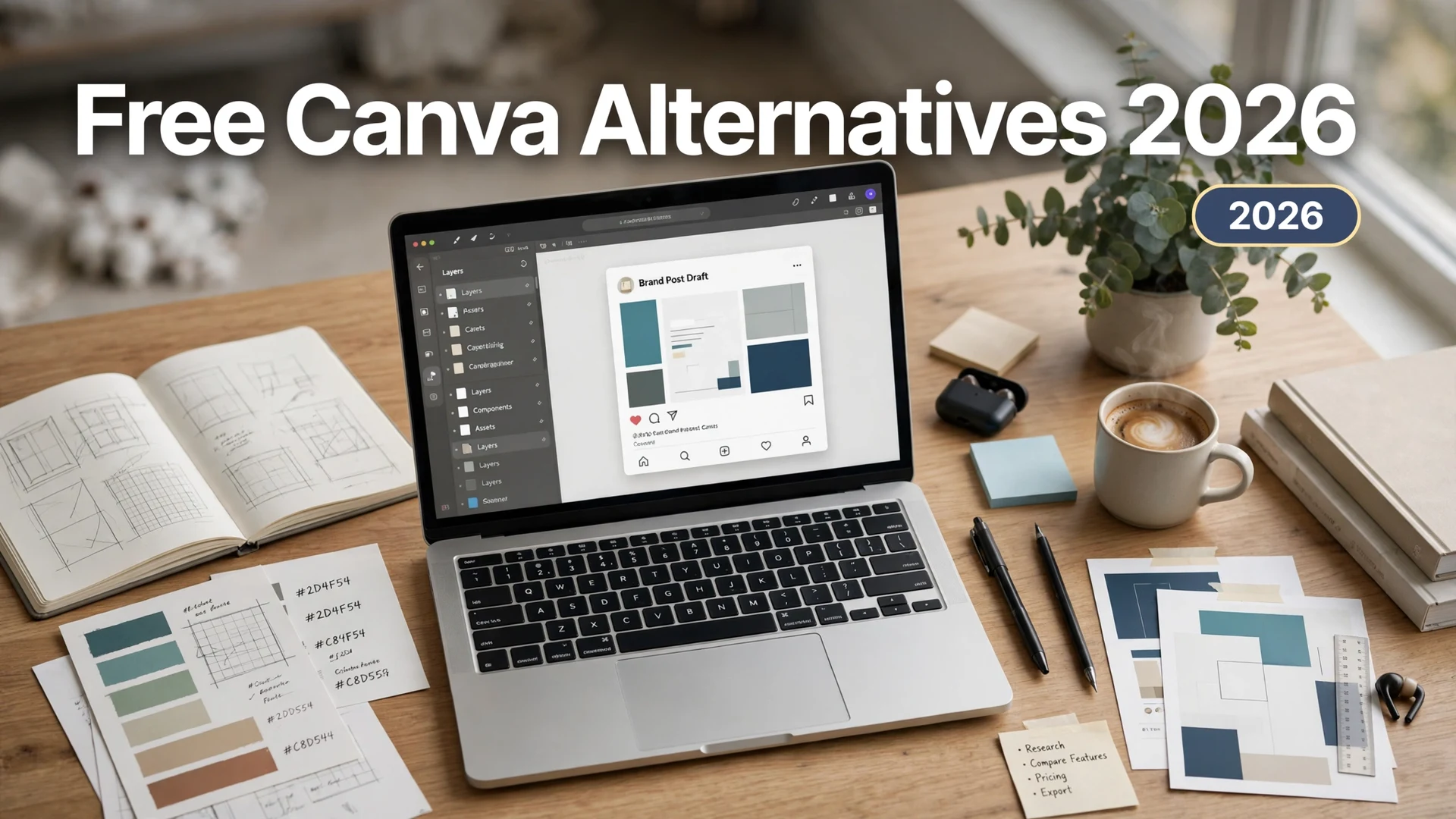
Free Canva Alternatives in 2026 (After Canva’s Price Hikes)

Quick answer: The best free Canva alternatives in 2026 are Affinity by Canva (professional desktop suite, now completely free), Adobe Express (best free templates + Firefly AI), VistaCreate (most generous free plan: unlimited downloads, free background remover), Snappa (fastest for social graphics, 5 free downloads/month), and Microsoft Designer (free AI design with a Microsoft account). If you only design occasionally, Canva’s own free plan may still be enough.
Canva raised its prices twice, and Pro now costs around $15/month. That stings when all you need is the occasional thumbnail, flyer, or social post. The good news: the free design-tool landscape in 2026 is better than it has ever been. In a plot twist nobody saw coming, Canva itself now owns the strongest free professional alternative — Affinity went completely free in late 2025.
I signed up for every free tier on this list in October 2026 and checked what’s actually free — download limits, watermarks, template counts, and the fine print. Here are the six options genuinely worth your time, starting with the one that changed everything.
1. Affinity by Canva — Best Overall Free Alternative
This is the biggest story in free design software in years. Canva acquired Serif (the maker of Affinity) in 2024, then in October 2025 relaunched the whole suite — Designer, Photo, and Publisher — as one unified app called Affinity, free forever for everyone with a free Canva account. The old $69.99 perpetual license is gone; there’s simply nothing to buy.
What’s actually free: The full professional toolkit — vector design, photo editing, and page layout in one desktop app. No watermark, no export limits, no subscription. It runs on macOS and Windows (a unified iPad app is expected in November 2026). You only need a paid Canva plan if you want the cloud AI features (generative fill, AI background removal) inside Affinity.
The catch: This is professional software, not a template toy. The learning curve is real — if you’ve only ever dragged and dropped in Canva, expect a weekend of tutorials before you feel fluent. The v3 unified interface also broke some v2 plugins, and the long-time user community is still adjusting.
Best for: Anyone serious about design who wants to escape subscriptions entirely — freelancers, small studios, and former Adobe subscribers. If you can invest a little learning time, nothing else free comes close to this much power.
2. Adobe Express — Best Free Templates and AI
Adobe Express is the closest thing to a true Canva clone, and its free plan is quietly generous: over 100,000 templates, more than a million Adobe Stock assets, thousands of Adobe Fonts, 5GB of storage, and free daily Firefly generative generations — no credit card required.
What’s actually free: The template library, basic video editing, PDF tools, and limited Firefly AI generation. If you already pay for Photoshop or certain Creative Cloud plans, Express Premium ($9.99/month standalone) is included at no extra cost — effectively making the premium tier free for existing Adobe subscribers.
The catch: The free generative AI is metered (Adobe doesn’t publish the exact allowance), Brand Kits are paywalled, and free-plan upload limits can bite on video projects. Still, Premium at $9.99/month undercuts Canva Pro by a third if you ever do upgrade.
Best for: Social media creators and small businesses who want Canva-style speed with Adobe’s font and stock ecosystem — and anyone already inside the Adobe world.
3. VistaCreate — Most Generous Free Plan
VistaCreate (from the Vistaprint family) has arguably the most generous free plan of any browser-based Canva competitor: a library of around a million royalty-free photos, videos, and graphics, unlimited downloads with no watermark, a background remover on the free tier, a Brand Kit, and 10GB of storage. Pro is $10/month if you ever need the 50-million-asset library and team features.
What’s actually free: Nearly everything a solo creator needs — the editor, the asset library, background removal, and unlimited watermark-free exports. That’s a combination Canva’s free plan doesn’t match.
The catch: The template and asset library is smaller than Canva’s or Adobe’s, so you may spend more time hunting for the right starting point. AI features are thinner here than at Adobe or Microsoft.
Best for: Bloggers, Etsy sellers, and social media managers who export a lot of graphics and refuse to pay per-download or stare at watermarks.
4. Snappa — Fastest for Social Graphics
Snappa is built for one job: getting a polished social graphic out the door in minutes. Its free Starter plan gives you access to the template library and 50,000+ HD photos and graphics, with direct sharing to two connected social accounts and a Buffer integration on every plan.
What’s actually free: The full template library and stock collection — rare for a free plan — but capped at 5 downloads per month. That’s the hard ceiling: design all you want, but you can only export five graphics monthly without paying.
The catch: Five downloads a month is genuinely limiting if you post daily. Pro ($10/month) unlocks unlimited downloads, but at that point you’re paying Canva-adjacent money for a narrower tool.
Best for: People who need a handful of sharp graphics a month — a monthly newsletter header, an event flyer, a few LinkedIn posts — and value speed over volume.
5. Microsoft Designer — Best Free AI Design
Microsoft Designer is free with any Microsoft account at designer.microsoft.com, and it’s also bundled into Microsoft 365 subscriptions. It’s the AI-forward option: describe what you want and it generates designs, images, and layouts, with solid template support for social posts and presentations.
What’s actually free: The core app, AI image generation, and templates — no subscription needed, just a free Microsoft account. If your team already lives in Microsoft 365, it’s already paid for.
The catch: There’s no real brand-kit system and no team collaboration features to speak of, so it doesn’t scale into a business brand platform. Customization is shallower than Canva or Adobe Express — great for generating, weaker for fine-tuning.
Best for: Microsoft 365 households and teams, and anyone who wants AI-generated designs without another subscription.
6. Canva Free — The Zero-Switch Option
Don’t overlook the obvious: Canva’s free plan is still genuinely useful. You get over a million free templates and millions of free stock assets, 5GB of storage, core design tools, and a limited monthly allowance of AI uses. For birthday cards, school projects, and the occasional social post, it handles the job without hitting walls.
What’s actually free: Enough for occasional personal use. The moment you need background removal, Magic Resize, Brand Kits, or the premium stock library at scale, the upgrade prompts start.
The catch: It’s the same product whose price hikes sent you here. Free is free, but you’re still inside Canva’s funnel.
Best for: Occasional designers who liked Canva’s interface and just refuse to pay — try the free tier properly before switching tools.
Free Canva Alternatives Compared
| Tool | Free plan highlights | The catch | Best for |
|---|---|---|---|
| Affinity by Canva | Full pro suite (vector, photo, layout), free forever, no watermark, no export limits | Steep learning curve; AI features need Canva Pro | Serious designers escaping subscriptions |
| Adobe Express | 100K+ templates, 1M+ stock assets, Adobe Fonts, Firefly AI credits, 5GB storage | Limited AI credits; background remover is paid | Canva-style speed with Adobe’s ecosystem |
| VistaCreate | ~1M assets, unlimited watermark-free downloads, free background remover, 10GB storage | Smaller library; thin AI features | High-volume exporters on $0 |
| Snappa | Full template + stock library, Buffer integration, 2 social accounts | Only 5 downloads per month | A few fast graphics per month |
| Microsoft Designer | Free with Microsoft account, AI image generation, templates | No brand kits; weak collaboration | Microsoft 365 users, AI-first design |
| Canva Free | 1M+ free templates, millions of free assets, 5GB storage, limited AI uses | No background remover, Magic Resize, or Brand Kits | Occasional use, zero switching cost |
How to Choose the Right One
Match the tool to your actual workload, not the feature list. If you design every day, invest the learning time in Affinity — it’s the only option here with zero ceiling and zero cost. If you make social content weekly, Adobe Express or VistaCreate will feel most like Canva; pick Adobe for templates and AI, VistaCreate for unlimited watermark-free exports. If you need five or fewer graphics a month, Snappa is the fastest path from idea to finished graphic. And if your goal is simply spending nothing, start with Canva Free or Microsoft Designer before changing your workflow at all.
One more angle worth knowing: Canva’s education and nonprofit programs still offer free access to Pro-tier features for eligible users, so if you’re a teacher or run a registered nonprofit, check those before switching. For everyone else, the six options above cover every realistic use case — without the $15/month.
For more ways to cut your software bill, see our guides to the best free Microsoft Office alternatives and how to blur your background in Zoom — both tested free.
FAQs
Yes. Affinity by Canva is now completely free — the full professional design suite (vector, photo editing, page layout) costs nothing with a free Canva account, with no watermark and no export limits. For browser-based design, VistaCreate’s free plan offers unlimited watermark-free downloads.
Canva raised prices twice: Teams pricing jumped in late 2024, and the Pro plan moved to around $15/month (from about $12.99). Canva pointed to its new Magic Studio AI features as the reason. Annual billing ($120/year) softens the blow, but it’s still a big jump from the old pricing.
Yes. Since October 2025, Affinity V3 — the unified app combining Designer, Photo, and Publisher — has been free forever for everyone. You need a free Canva account to activate it. Only the cloud AI features (generative fill, AI background removal) require a paid Canva plan; everything that runs locally is free.
Affinity by Canva, Adobe Express, and VistaCreate all export without watermarks on their free plans. VistaCreate is the most generous — unlimited free downloads. Snappa’s free plan is watermark-free too but limited to 5 downloads per month.
Generally yes for designs you create, but check each platform’s current license terms — stock photo and asset licensing varies by plan. Affinity’s locally-installed tools have no such restrictions at all since you own your files outright.
No. Affinity, Adobe Express, VistaCreate, Snappa, and Microsoft Designer all offer free tiers that sign up without a credit card. You only enter payment details if you later choose to upgrade to a paid plan.
Final Thought
Canva’s price hikes accidentally created the best free design-software market we’ve ever had — and Canva’s own acquisition, Affinity, is now the strongest free professional tool in it. Pick based on how much you design, not how much the marketing impresses you: Affinity for serious work, Adobe Express or VistaCreate for Canva-style speed, Snappa for occasional graphics, and Canva Free if you barely design at all. All prices and plan limits above were checked in October 2026; software pricing moves fast, so confirm on the official pricing pages before you commit to anything paid.