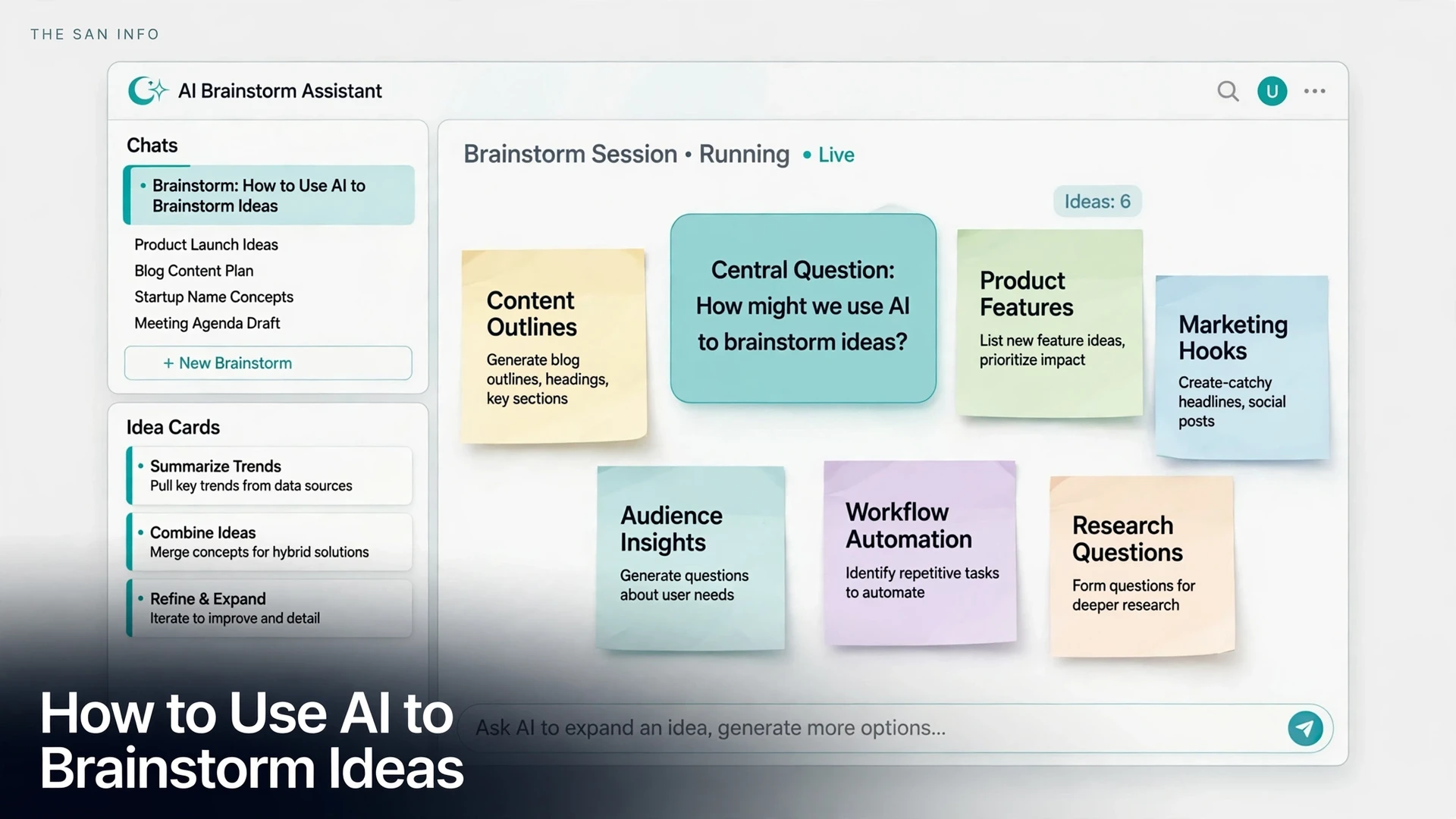
How to Use AI to Brainstorm Ideas (Without Getting Generic Ones)

AI can hand you 40 ideas in under a minute — and most of them will feel like ideas you have already seen. That is not a failure of the tool. It is what happens when you ask a vague question and accept the first list. Used differently, AI is a genuinely good brainstorming partner: it is fast at volume, good at combinations you would not think of, and tireless at arguing against your own favorite idea.
Short answer: give AI a tight brief with your audience, goal, and constraints, ask for a large batch of ideas at once, then force it to critique, combine, and rank them before you pick anything. The first list is raw material, not the answer. The useful ideas usually appear in rounds two and three, after you have rejected the obvious ones and pushed the AI past them.
Why Most AI Brainstorms Feel Generic
There is a real reason AI ideas feel familiar, and research backs it up. In a 2024 Science Advances experiment by Anil Doshi and Oliver Hauser, writers who received AI-generated story ideas produced work rated as more creative, better written, and more enjoyable than writers working alone — especially less creative writers. Writers given one AI idea scored 5.5% higher on usefulness, and writers given five ideas scored 11.5% higher (Doshi and Hauser, Science Advances, 2024). The catch: AI-assisted stories were also more similar to each other than human-only stories. As the authors put it, writers are individually better off, but collectively a narrower scope of novel content is produced.
That trade-off is exactly what a bad brainstorm looks like. You get a polished list, it reads well, and it sounds like every other list on the same topic — because the model is drawing on the most common patterns in its training data. The fix is not a better chatbot. It is a process that pushes past the common patterns: specific constraints, deliberate combinations, and a critique round that kills the safe ideas.
I tested the method in this guide on a real brief — a neighborhood bakery trying to fill weekday mornings — and the results below are the actual output of that session, including the ideas I rejected. The pattern held: the first 10 ideas were predictable, the useful ones came later, and the winner came from combining two mediocre ones. Ideas captured this way still need a slot in your day, which is where AI time planning comes in.
The 5-Step AI Brainstorming Method
Step 1: Write a One-Paragraph Brief First
Never open with “give me ideas for my business.” AI cannot know your audience, your budget, or what you have already tried, so it fills those gaps with generic assumptions. Write the brief yourself, in one paragraph, before you prompt anything. It needs five things: who the idea is for, the goal in one sentence, the constraints (budget, time, skills, channels), what you have already tried or ruled out, and what success looks like.
Here is the brief I used for the bakery test: “A neighborhood bakery with strong weekend sales wants more weekday-morning customers within walking distance. Budget is under $200 a month, no paid ads, one part-time staff member. Already tried: a loyalty card (low uptake) and morning discounts (ate into margins). Success means 20 extra weekday-morning transactions a day within two months.” That paragraph does more work than any clever prompt trick, because every idea that follows can be judged against it.
Step 2: Ask for Volume, Then Split the Batch
Ask for 40 ideas, not 10. Ten ideas lets the model stop at the obvious ones; forty forces it past them. Then ask it to split the batch into four groups: safe, surprising, risky, and highly practical. The split matters because it stops you from picking the first safe idea that feels comfortable and calling the session done.
Use a prompt like this: “Using the brief above, generate 40 ideas. Split them into safe, surprising, risky, and highly practical groups, 10 in each. For each idea, add one sentence on why it might work and one on what could go wrong. Do not rank them yet.” The “what could go wrong” sentence is doing quiet work here: it forces the model to attach a cost to each idea instead of selling you all of them.
Step 3: Push Past the Obvious With Three Follow-Ups
Once you have the first batch, run three follow-up prompts on it. Each one attacks a different weakness of AI output.
- Remove and replace: “Remove the 10 most predictable ideas and replace them with stranger or more niche options that still fit the budget.”
- Combine: “Combine ideas 7 and 23 into one idea, and combine ideas 4 and 31 into another. Keep the best part of each.”
- Argue against: “Pick the 5 ideas I am most likely to choose and argue against each one. What would make each fail?”
The combine prompt is the most productive of the three. Single AI ideas tend to be one-dimensional; combinations inherit a strength from each parent and often land somewhere genuinely new. In the bakery session, the winning idea came from combining a “morning commuter pre-order shelf” with a “neighborhood office tasting box” — a pre-ordered office breakfast box picked up by one person per office, which neither parent idea contained on its own.
Step 4: Score Every Survivor Before You Pick
Do not pick by gut feeling from a list of 40. Score the top 10 on four questions, each out of 5: Does it fit the brief and budget? Can you start it this week? Does it reach the actual audience? Is it different from what competitors already do? Anything below 14 out of 20 gets cut, no matter how clever it sounds. Scoring feels slow, but it is what turns a brainstorm into a decision — and it exposes the ideas that are fun to discuss but impossible to execute.
In the bakery session, the office breakfast box scored 18: it fit the $200 budget (one tasting box per office, baked from existing stock), it could start the same week, it reached weekday commuters through a single pickup person, and no nearby bakery was doing it. A “bakery podcast” idea scored 9 — fun, but it reached nobody in walking distance and needed weeks of production. Scoring killed it in seconds, which is exactly the point.
Step 5: Turn the Winner Into a Next Action
A brainstorm that ends with a list has failed. End every session by asking AI to turn the top 3 ideas into a one-week test plan: the first concrete step, who does it, what it costs, and how you will know in 7 days whether it worked. For the bakery, the test was: bake 5 office boxes, deliver them to 5 nearby offices on Monday, and count how many offices place a repeat order by Friday. A brainstorm without a test is entertainment; a brainstorm with a test is a decision.
Which AI Tool Should You Brainstorm With?
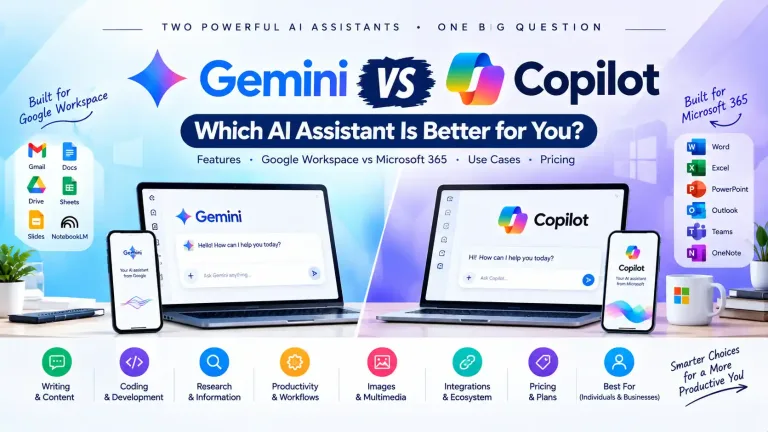
For brainstorming specifically, the differences between chatbots matter less than the method above — but they are not identical. ChatGPT is the most versatile all-rounder, with strong follow-up conversation and voice mode for talking ideas out loud. Claude is the most careful with long, detailed briefs and tends to write cleaner structured lists. Gemini fits naturally if your notes and documents already live in Google Drive, and its long context handles big background documents well. Microsoft Copilot is the convenient pick inside Word, Outlook, and Teams, where the brainstorm can go straight into the document you are already writing.
All four offer a no-cost tier that is plenty for brainstorming, and all four have paid tiers around $20 a month if you need higher limits. Paying does not make the ideas better — the brief and the critique rounds do. Start on a no-cost tier, and only upgrade if you hit usage limits in real sessions.
| Tool | Best for brainstorming | Standout strength | Watch out for |
|---|---|---|---|
| ChatGPT | Talking ideas out loud, fast follow-ups | Voice mode and versatile conversation | Confident generic lists if the brief is vague |
| Claude | Long, detailed briefs and structured lists | Clean structure, careful instruction-following | Can be cautious; push it for riskier ideas |
| Gemini | Brainstorms grounded in your documents | Long context, Google Workspace connection | Answers can lean safe and corporate |
| Microsoft Copilot | Brainstorming inside Word, Outlook, and Teams | Ideas land straight in the document you are writing | Less flexible outside the Microsoft apps |
Try the same brief in two tools and compare the second-round ideas, not the first lists. First lists converge — that is the Doshi and Hauser finding in action. The tool that gives you the most usable ideas after the remove-and-replace and combine rounds is the one worth keeping for brainstorms.
4 Copy-Paste Prompts for Better Brainstorms
1. The wide net: “Here is my brief: [paste your one-paragraph brief]. Generate 40 ideas, split into safe, surprising, risky, and highly practical groups. For each idea, add one sentence on why it might work and one on what could go wrong. Do not rank them yet.”
2. The constraint box: “Generate 20 more ideas for this brief. Every idea must cost under [budget], take under [time], and use only [channels or skills you already have]. Reject anything that needs a new hire, a new tool, or paid ads.”
3. The combination: “Combine idea [number] and idea [number] into one idea, keeping the best part of each. Then combine idea [number] and idea [number] the same way. Explain what each combination adds that neither parent had.”
4. The critic: “Act as a skeptical customer for this brief. Pick the 5 ideas I am most likely to choose and argue against each one. Then tell me which 3 ideas survive your own criticism, and why.”
Brainstorming Guardrails: What Not to Paste Into AI
- Confidential details: Do not paste unreleased product plans, customer names, salaries, or internal numbers into a consumer chatbot. Describe the problem in generic terms instead.
- Unverified facts: AI brainstorms can invent market sizes, competitor claims, and statistics with total confidence. Treat every factual claim in an idea as unverified until you check it against a real source.
- The first list: Never ship the first list. If you have not rejected at least half the ideas, you have not brainstormed — you have transcribed.
- Someone else’s voice: AI ideas converge, as the research above shows. Add your own constraints, taste, and local knowledge — that is the part no other user of the same tool can copy.
For more on writing briefs that actually work, see our guide to writing better AI prompts, and if your brainstorm produces a business idea worth pursuing, the business-plan workflow shows how to test it without inventing your numbers. If the session produces a mind map instead of a list, our mind-mapping software guide covers tools for turning it into a visual plan.
The Bottom Line
AI brainstorming works when you treat the chatbot as a tireless junior partner, not as the decision-maker. You supply the brief, the constraints, and the judgment. It supplies volume, combinations, and criticism on demand. Run the wide net, kill the obvious half, combine what survives, score it honestly, and leave with one idea and a one-week test — not a list of forty ideas you will never look at again.
Frequently Asked Questions
AI is better at volume and combinations, and worse at judgment. It can produce 40 ideas in a minute and combine two unrelated ones into something new, but it cannot tell which idea fits your audience, budget, or taste. The best results come from the partnership: AI generates, you filter, score, and decide.
Ask for 40 in the first round, split into safe, surprising, risky, and highly practical groups. Ten ideas stop at the obvious ones. Forty forces the model past them, and the split keeps you from picking the first comfortable idea and ending the session early.
For most people, ChatGPT is the most versatile pick, Claude is strongest with long detailed briefs, Gemini fits best if your documents live in Google Drive, and Microsoft Copilot is most convenient inside Word, Outlook, and Teams. The method matters more than the tool: run the same brief in two tools and compare the ideas that survive the critique round, not the first lists.
Give it a tight brief with audience, goal, budget, and what you have already ruled out, then run follow-ups: remove the 10 most predictable ideas and replace them, combine two ideas into one, and ask the AI to argue against your favorites. Generic output is usually a symptom of a vague brief or an accepted first list, not a bad model.
It is safe for general ideas, but do not paste confidential details into a consumer chatbot — unreleased plans, customer names, internal numbers, or anything marked confidential. Describe the problem in generic terms, and keep the sensitive specifics in your own notes until you are using a business plan with data controls you trust.
It can generate lists on its own, but that is not a brainstorm — it is a list. A real brainstorm needs a human to set the problem, add constraints only you know, reject the weak ideas, and turn the winner into a test. Research shows AI-assisted work can converge on similar output, so your own taste and local knowledge are what keep the result original.