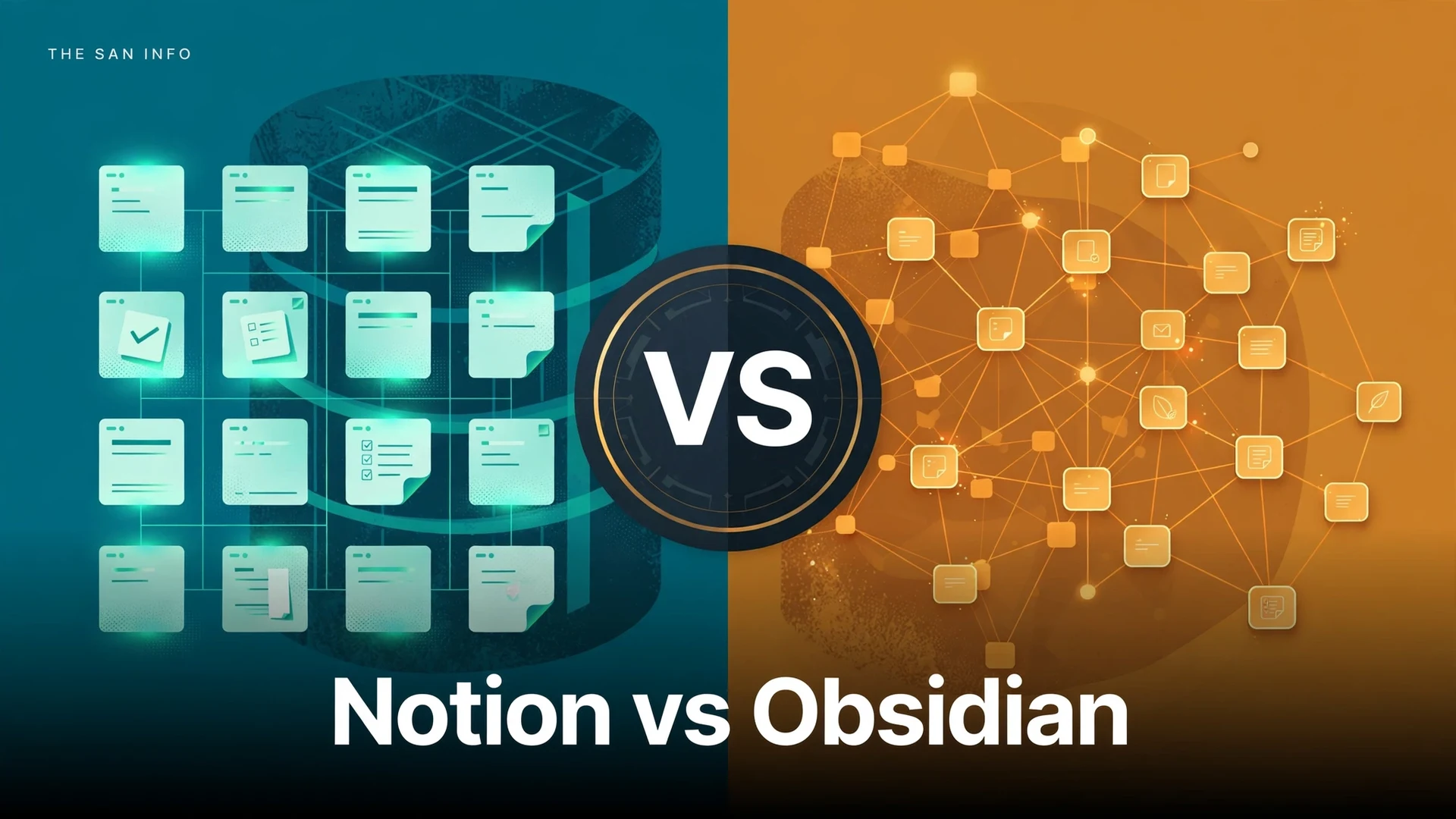
Notion vs Obsidian: Which Note-Taking App Should You Use?

Published: October 16, 2026. Every price below was re-verified on the official Notion and Obsidian pricing pages today.
Bottom line: Notion and Obsidian are both excellent note-taking apps, but they are built on opposite philosophies. Notion is cloud-first and team-friendly: a generous free plan, powerful databases, and real-time collaboration, with paid plans starting at $10 per user per month. Obsidian is local-first and privacy-first: the entire core app is free forever, your notes live as plain Markdown files on your own device, and you only pay if you want the optional Sync ($4/month) or Publish ($8/month) add-ons. Choose Notion if you take notes with other people; choose Obsidian if you want full ownership of your notes and an app that works perfectly with no internet connection.
Notion vs Obsidian at a glance
| Feature | Notion | Obsidian |
|---|---|---|
| Core price | Free plan; Plus $10/user/mo annual, Business $20/user/mo annual | Free forever for personal use — all core features unlocked |
| Free plan limits | 5 MB file uploads, 7-day page history, 10 guests, limited AI trial | None on the app itself — free, no sign-up, no telemetry |
| Where your notes live | Notion’s cloud servers (proprietary format) | Plain Markdown files in a folder on your device |
| Offline mode | Yes (since Aug 2025) — pages must be marked “Available offline” first | Fully offline by default — no setup, no account needed |
| Export options | Markdown, CSV, HTML, PDF (workspace export on paid plans) | No export needed — notes are already plain files you own |
| Databases | First-class databases: tables, boards, calendars, timelines, galleries, relations, rollups | Bases (free): query views (table, list, cards, kanban, map) over note properties |
| Real-time collaboration | Yes — multi-user editing with comments and granular permissions (Business+) | Only via paid Sync shared vaults or third-party sync; not built for teams |
| Device sync | Included on all plans — cloud sync is the default | Paid Sync add-on: Standard $4/mo annual, Plus $8/mo annual (end-to-end encrypted) |
| AI features | Notion Agent and AI Meeting Notes bundled on Business+; limited AI trial on Free/Plus | No native AI — 2,000+ community plugins add AI features |
| Backlinking / graph view | Basic backlinks panel | Signature features — bi-directional links and an interactive graph of your notes |
| Plugins / extensions | Integrations and API; Developer Platform and official MCP server (2026) | 2,000+ free community plugins and themes |
| Mobile apps | Yes — iOS and Android, offline on marked pages | Yes — iOS and Android, fully offline |
| Publishing notes online | Free public pages and sites (custom domains on paid plans) | Publish add-on $8/site/mo annual — custom domain, SEO, password protection |
| Privacy model | Cloud-hosted; Enterprise offers zero LLM data retention | Local-first; no account, no telemetry; optional E2E-encrypted Sync |
| Learning curve | Gentle start, deep rabbit hole (databases, formulas, automations) | Simple to start; linking + plugins reward curiosity |
| Best for | Teams, students in group projects, wiki-style knowledge bases | Solo researchers, writers, privacy fans, offline workers |
How I tested both apps
Most Notion vs Obsidian articles just reformat two feature lists. I went back to the source instead: I re-verified every price on the official Notion pricing page and official Obsidian pricing page on October 16, 2026, read both companies’ official offline, sync, and export documentation, and walked the same realistic workflow through each app — capture a meeting note, build a small reading-list database, take both offline, and get my data back out. I scored both on the same checklist: price, free-tier depth, offline behavior, data ownership, databases, collaboration, AI, and ease of learning. The verdict below is based on what each app actually does today, not on reputation.
How much do Notion and Obsidian cost?
This is the fault line of the whole comparison, and it runs in Obsidian’s favor — with one big asterisk.
Obsidian’s core app is free forever for personal use: no sign-up, no telemetry, every core feature unlocked. You pay only for optional services: Obsidian Sync at $4 per user per month billed annually (Standard: one vault, 1 GB) or $8 (Plus: ten vaults, up to 100 GB, 12-month version history), Obsidian Publish at $8 per site per month billed annually, and an optional one-time $25 Catalyst license that gets you early beta builds and supporter badges. Since February 2025, you do not even need a commercial license to use Obsidian at work. Students and nonprofits get 40% off Sync and Publish.
Notion’s free plan is genuinely useful — unlimited blocks and pages for solo use — but it comes with guardrails: 5 MB file uploads, 7-day page history, and 10 guests. Notion Plus costs $10 per user per month billed annually ($12 month-to-month) and removes the meaningful limits: unlimited file uploads, 30-day history, unlimited guests, custom forms and sites, unlimited charts. Business at $20 per user per month annually ($24 monthly) adds the good stuff: Notion Agent, AI Meeting Notes, Enterprise Search, SAML SSO, and granular database permissions. Enterprise is custom-priced.
Here is the honest math. If you are one person who takes notes on one device, Obsidian costs you $0 forever, and Notion costs you $0 too — but the moment you want your notes on your phone and laptop, Obsidian asks $4 a month (or you sync the folder yourself with a free tool like Syncthing, which is a whole hobby in itself), while Notion syncs everything for free. For a five-person team, Notion Plus costs $50 a month and Obsidian Sync Standard costs $20 a month — but Obsidian was never really designed for teams, so that cheaper number buys you a worse experience for multi-user work.
Winner on price: Obsidian for solo users; Notion for anyone who syncs or shares.
Which is better offline?
This used to be Obsidian’s knockout punch, and it still wins the round — but the gap narrowed in 2025.
Obsidian is offline by design. Your notes are files in a folder on your hard drive, so the app works identically with or without an internet connection: create, edit, search, link, graph view — everything. No setup, no “offline mode” toggle, no account. This is the app I would install on a laptop before a long flight or a cabin weekend.
Notion launched offline mode in August 2025, and it covers the essentials: on desktop and mobile apps, pages you mark “Available offline” can be viewed, edited, and created without a connection, and they sync when you reconnect. But there are real caveats I confirmed in Notion’s own documentation: you have to mark pages for offline access before you lose connectivity (sub-pages must be toggled individually), the browser version has no offline support at all, database views show only about 50 rows offline, and AI, automations, and embeds need a connection. Business and Enterprise workspaces auto-download recent and favorited pages, which softens this, but it is still a curated cache, not a local copy of your life.
Winner on offline: Obsidian — no contest for anyone who regularly works without reliable internet.
Which handles export and data ownership better?
This is the single biggest philosophical difference between the two apps, and it should weigh heavily in your decision.
With Obsidian, there is no export step because there is nothing to export from. Every note is a plain Markdown file sitting in a folder you control. Open it in any text editor, back it up with any backup tool, version it with git, read it in 30 years with software that does not exist yet. This is what “data ownership” actually means, and it is the reason privacy-minded note-takers are so loyal to Obsidian. The only lock-in risk is learning its particular flavor of Markdown links, which is minor.
Notion lets you export your entire workspace as HTML, Markdown, and CSV, with PDF export on Business and Enterprise plans. That sounds complete, but Markdown exports come as a ZIP of files where databases become CSVs, and users widely report that complex pages — nested toggles, synced blocks, database views — do not survive the trip with their formatting intact. More importantly, you have to remember to export; your day-to-day notes live in Notion’s proprietary cloud format. It is not a trap — you can leave — but leaving takes work.
If the thought of a company holding your decade of notes makes you uneasy, Obsidian is the answer. If you are comfortable with cloud apps (your email and photos already live there), Notion’s export options are good enough as an insurance policy.
Winner on data ownership: Obsidian.
Notion databases vs Obsidian Bases: what’s the difference?
Both apps now offer database-style views, but they are different tools for different jobs.
Notion databases are first-class objects. You create a database, give it properties (dates, people, checkboxes, formulas, relations to other databases), and view it as a table, board, calendar, timeline, gallery, or list. Relations and rollups let databases talk to each other — a projects database that pulls in linked tasks, for example — and paid plans add unlimited charts, automations, and granular permissions. If you want to run a content calendar, a CRM-lite, or a team wiki with structured data, nothing else in this price range touches Notion.
Obsidian Bases, a core feature since version 1.9 (May 2025), is more modest by design. A Base is a view over the properties you already put in your notes’ YAML frontmatter — table, list, cards, kanban, or map layouts — that you can sort, filter, and edit. It is free, it is local, and it is lovely for things like a reading list or a project dashboard over your existing notes. But it reads frontmatter properties only (not note-body text), there is no separate database object, and multi-user Bases only work through paid Sync shared vaults. It is a personal dashboard, not a team system.
Winner on databases: Notion — Obsidian Bases covers personal tracking; team workflows and relational data belong in Notion.
Can you collaborate in Obsidian?
This is where Notion pulls decisively ahead. Notion was built for shared work: multiple people editing the same page at the same time, comments, @-mentions, page-level sharing links, and — on Business plans — granular database permissions and private teamspaces. A student group can run a whole project workspace, a startup can run its wiki, and everyone sees the same live truth.
Obsidian has no real-time collaboration. Two people can technically share a vault through paid Sync’s shared vaults, but there is no presence, no live cursors, no comments — it is two people editing files, not collaborating. For solo work this is a non-issue; for anything involving a team, it is disqualifying.
Winner on collaboration: Notion, and it is not close.
What about AI features?
Notion has gone all-in on AI. The standalone Notion AI add-on ($8–10/month) was discontinued in May 2025, and its capabilities are now bundled: Business and Enterprise plans include Notion Agent, AI Meeting Notes, and Enterprise Search. Free and Plus users get a limited AI trial. If you want an assistant that lives inside your notes and can search your whole workspace, Notion is ahead — and we compare its AI directly against ChatGPT in our Notion AI vs ChatGPT breakdown.
Obsidian has no native AI at all — deliberately. Instead, its 2,000-plus community plugins include AI writing assistants, summarizers, and chat interfaces, and because your vault is just local files, you can point any external tool (ChatGPT, Claude, local models) at your notes directly. Purists like this: your notes never flow through a vendor’s AI pipeline unless you choose it.
Winner on AI: Notion for built-in AI; Obsidian for AI on your own terms.
Which is easier to learn?
Both are easy to start and deep to master, in different ways. Notion’s gentle on-ramp is its blank page: type, drag blocks around, and you are productive in minutes. The rabbit hole opens later — databases, formulas, relations, automations — and can genuinely take weeks to learn well.
Obsidian’s on-ramp is a Markdown note, which feels retro to anyone raised on Google Docs. The core concepts that make it special — bi-directional linking and the graph view — click within an afternoon of real use, and the 2,000-plus plugins mean you will keep discovering new capabilities for months. The hidden cost is configuration: sync, mobile setup, and plugin choices are all on you.
Winner on ease of use: tie. Notion is friendlier for teams; Obsidian is friendlier for solo tinkerers.
So which note-taking app should you choose?
Choose Notion if: you take notes with other people, you want structured databases and project tracking, you like everything synced automatically for free, you want built-in AI, or you are building a shared wiki or knowledge base. Students working on group projects are squarely in Notion territory.
Choose Obsidian if: you work solo, you want your notes as files you truly own, you need bulletproof offline access, you care about privacy and local-first software, you love linking ideas into a personal knowledge web, or you want a free app with no feature gates. Writers, researchers, and anyone who has ever lost notes to a dead cloud service should look here first.
My honest take after testing both: the “better app” question is really a “what kind of note-taker are you” question. A solo researcher writing a thesis has almost nothing to gain from Notion’s collaboration machinery and everything to gain from Obsidian’s linked notes and local files. A five-person team running a content calendar will be miserable in Obsidian and at home in Notion. Pick the philosophy, and the app follows. And if you are still assembling your productivity stack, our best AI note-taking apps roundup puts both in context with the rest of the field.
Yes. Obsidian’s core app is free forever for personal use — no sign-up, no telemetry, all core features unlocked, including Bases and the graph view. You only pay for optional services: Obsidian Sync ($4/user/month billed annually), Obsidian Publish ($8/site/month billed annually), or the one-time $25 Catalyst license. Since February 2025, no separate commercial license is required to use Obsidian at work.
Yes, with limits. Notion’s free plan includes unlimited blocks and pages for solo use, but file uploads are capped at 5 MB, page history at 7 days, and guests at 10. Notion Plus ($10/user/month billed annually) removes the meaningful limits and adds 30-day history, unlimited guests, and unlimited charts.
For group projects, Notion — real-time collaboration, shared workspaces, and free sync make teamwork painless, and students get Plus free. For solo study and research, Obsidian’s linked notes and fully offline mode are hard to beat, and the core app costs nothing.
Not really. Obsidian has no real-time collaboration — no shared cursors, comments, or live co-editing. Teams can technically share a vault through paid Sync shared vaults, but it is file sharing, not collaboration. Notion is the clear choice for multi-user work.
Yes. Notion exports your workspace as Markdown, HTML, or CSV, and Obsidian reads Markdown files natively, so the standard migration path is a Notion Markdown export imported into a new Obsidian vault. Expect some cleanup: complex database views and formatting may not survive the move intact, so verify important pages after importing.
Obsidian. Your notes live as plain files on your own device — no account, no telemetry, and optional end-to-end-encrypted Sync. Notion is cloud-hosted, so your notes live on Notion’s servers; its Enterprise plan offers zero LLM data retention, but it is not a local-first app.