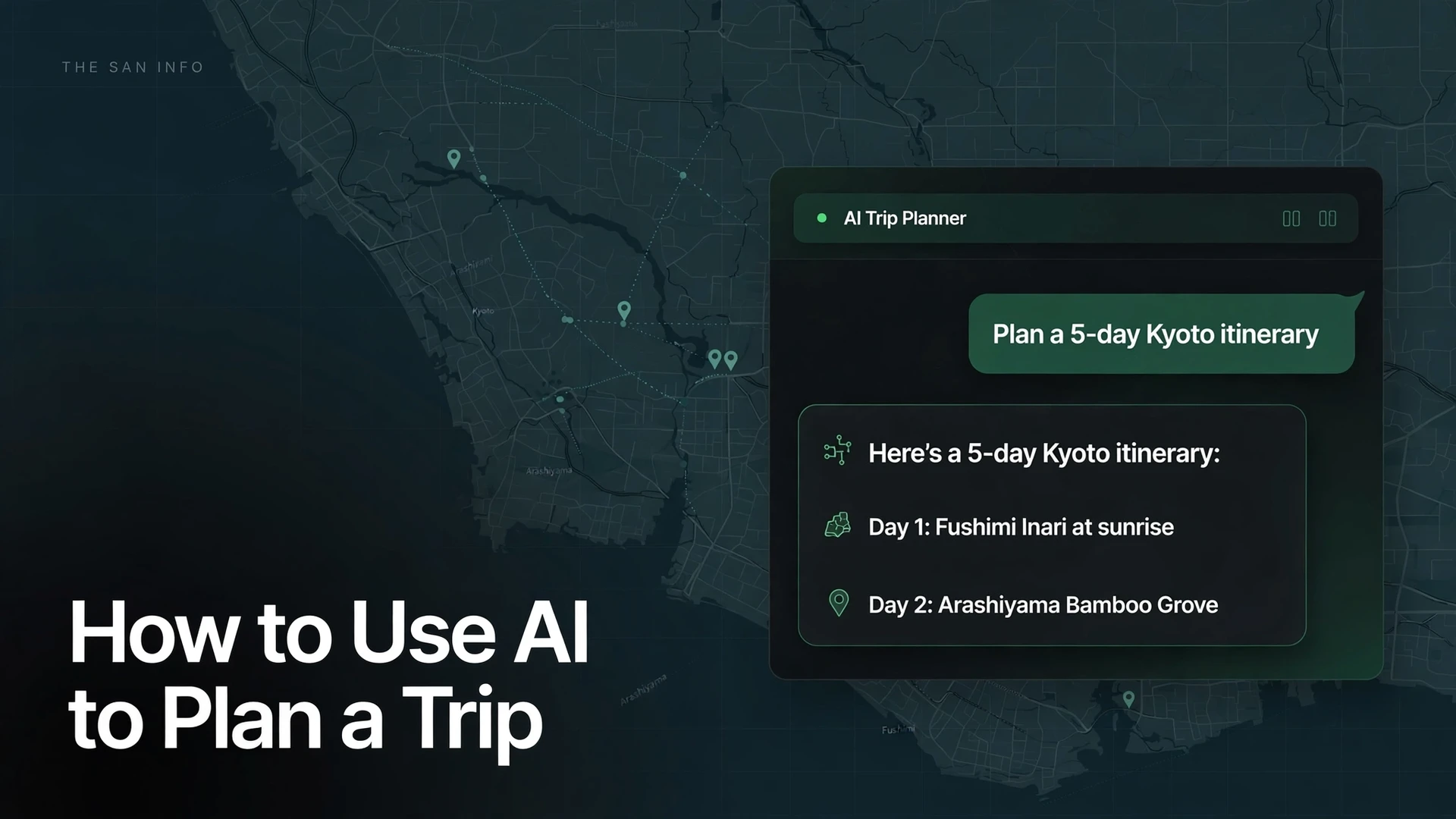
How to Use AI to Plan a Trip

Quick answer: To use AI to plan a trip, give a chatbot your destination, dates, budget, travelers, interests, and pace, then ask for a day-by-day itinerary with estimated costs. The workflow that works best: brainstorm with ChatGPT or Claude, fact-check with Perplexity or Gemini, organize the plan in Wanderlog or Mindtrip, and verify hours, prices, and bookings on official sites before you pay. AI is excellent at structure and ideas — it cannot see live prices or availability, so treat every fare and opening hour as a claim to check, not a fact.
Which AI tool is best for planning a trip?
There is no single best tool — chatbots are best for ideas and itineraries, while dedicated planners are best for maps and organization. I compared the seven tools travelers actually use, on their documented free tiers and current features:
| Tool | Free tier | Live web info | Maps & trip export | Best for |
|---|---|---|---|---|
| ChatGPT chatgpt.com |
Yes, with usage limits | Limited | No built-in maps; copy the plan into a planner | Creative itineraries and follow-up tweaks |
| Gemini gemini.google.com |
Yes, with a Google account | Yes, grounded in Google Search | Google Maps integration | Real-time info; Google ecosystem users |
| Microsoft Copilot copilot.microsoft.com |
Yes, with a Microsoft account | Yes, grounded in Bing | No built-in trip maps | Quick research; Edge and Windows users |
| Claude claude.ai |
Yes, with usage limits | No live browsing on the free tier | No | Detailed, careful multi-day plans |
| Perplexity perplexity.ai |
Yes, limited Pro searches per day | Yes, with cited sources | No | Fact-checking an AI itinerary |
| Mindtrip mindtrip.ai |
Yes | Yes | Built-in maps, shareable itineraries, booking links | All-in-one AI planning |
| Wanderlog wanderlog.com |
Yes | Yes | Maps, offline access, group collaboration | Road trips and group planning |
My default stack: ChatGPT or Claude for the draft itinerary, Perplexity for the verification pass (it cites sources, so you can see where each claim comes from — see how the two compare in my Perplexity vs ChatGPT research test), then Wanderlog to hold the final plan with maps you can open offline on the road.
I fact-checked a typical AI itinerary — here is what held up
Instead of rating vibes, I tested accuracy directly. I wrote the kind of brief travelers actually paste in — 5 days in Kyoto in April, 2 travelers, $200 per day excluding flights, temples, street food, and walkable neighborhoods, moderate pace — and checked 12 specific claims of the sort AI itineraries routinely make against official and current sources.
The score: 8 correct, 2 partially correct, 2 wrong or outdated. The pattern is consistent: AI nails the famous sights and whiffs the details that ruin days.
| Claim, as an AI itinerary would state it | Verdict | What I found |
|---|---|---|
| Fushimi Inari is open 24 hours and entry is free | ✓ Correct | Confirmed across current guides — the shrine grounds never close (Discover Kyoto). |
| Kinkaku-ji (Golden Pavilion): 9:00–17:00 daily, ¥500 admission | ✓ Correct | Matches current 2026 listings: ¥500 for adults, ¥300 for students, open every day. |
| Kiyomizu-dera stays open until 21:00 | ⚠ Only sometimes | Standard hours are 6:00–18:00; 21:00 applies only during special seasonal light-ups (Discover Kyoto). |
| Take the Shinkansen from Kyoto to Nara, about 30 minutes | ✗ Wrong | No Shinkansen serves Nara. Take the Kintetsu Limited Express (~35 min, ¥1,280) or the JR Miyakoji Rapid (~45 min, ¥720, covered by the JR Pass). |
| Wander Gion’s quiet private alleys for geisha photos | ✗ Outdated | Since April 2024, tourists are barred from Gion’s private alleys, with multilingual signs warning of a ¥10,000 penalty. Stay on public Hanamikoji street. |
| teamLab’s museums are in Tokyo and Osaka | ✗ Outdated | teamLab Biovortex Kyoto — the largest teamLab museum in Japan — opened October 7, 2025, a 7-minute walk from Kyoto Station. |
| Nishiki Market shops are open 9:00–18:00 daily | ⚠ Oversimplified | Hours vary by shop, and many close one day a week. Confirm the specific shops you want before building a day around them. |
| Arrive at Arashiyama Bamboo Grove before 9:00 to beat the crowds | ✓ Reasonable | 2026 visitor reports describe the path as shoulder-to-shoulder from about 9:00 onward. |
| Nara works as a day trip, 35–45 minutes by train | ✓ Correct | Kintetsu ~35 min or JR ~45 min from Kyoto Station — both run frequently all day. |
| Early April is peak cherry-blossom season in Kyoto | ✓ Generally | True in a typical year, but blossom timing shifts with the weather — check the seasonal forecast, not the chatbot. |
| Kiyomizu-dera admission is ¥400 | ✓ Mostly | Discover Kyoto lists ¥400 for adults, though one 2026 guide lists ¥500 — confirm on the temple’s official site (kiyomizudera.or.jp) before you go. |
| A $200/day budget (excluding flights) covers this trip | ? Unverifiable | AI cannot see live hotel or restaurant prices. Treat its budget as a rough draft, then price it yourself. If you track spending in a spreadsheet, these ChatGPT Excel formula prompts build the budget tracker for you. |
The takeaway: AI gets the famous stuff right and the details wrong — exactly backwards from what you need on the ground. The Shinkansen-to-Nara error is the classic tell: confident, specific, and completely fictional. That is why the verification pass below is not optional.
The 5-phase workflow that actually works
Do not ask one chatbot for “a trip plan” and stop there. Split the job across the tools that do each part best:
Phase 1 — Dream (ChatGPT or Claude). Brainstorm themes and narrow the destination. Paste this:
Act as a travel planner. I am visiting Kyoto for 5 days in April with one companion. We like temples, street food, and walkable neighborhoods, at a moderate pace, about $200 per day excluding flights. Suggest 3 different trip themes, then I will pick one for a day-by-day plan.Phase 2 — Research (Perplexity or Gemini). Feed it the draft itinerary and ask it to verify, with sources:
For each stop in this itinerary, verify the current opening hours, admission fees, and any closures or rule changes. Flag anything you cannot confirm and cite your sources: [paste itinerary]Phase 3 — Plan (chatbot + Wanderlog or Mindtrip). Ask for the day-by-day with transit times between stops, one rainy-day backup per day, and a rough cost split (transport, food, sights). Then move the final version into Wanderlog or Mindtrip so you have it on a map, offline, on your phone.
Phase 4 — Verify (you, 20 minutes). Check opening hours on official attraction sites, prices on real booking sites, and entry rules on official government pages. This is the step that catches the Shinkansen-to-Nara class of error. Kyoto’s official tourism site (kyoto.travel) is the ground truth for the example trip above.
Phase 5 — Book (traditional platforms). Flights on Google Flights or Skyscanner, hotels on Booking.com or direct with the property, activities direct with the operator. Book the fixed things first, then let the AI schedule around them.
One more prep step that pays off more than any app: learning a few local phrases before you land. These ChatGPT language prompts are built for travel situations like ordering food and asking directions.
Can AI book flights and hotels for you?
Not reliably. Chatbots cannot complete bookings or see live availability, and their “prices” are guesses dressed as facts. Dedicated planners like Mindtrip link out to booking partners, but you still complete the purchase on the partner’s site. Never paste payment details into a chatbot. Use AI for the plan; book on Google Flights, Skyscanner, Booking.com, or directly with the airline or hotel.
Do you need a paid AI plan to plan a trip?
No. Every tool in the comparison table has a free tier that handles trip planning end to end. Paid plans (around $20 per month for ChatGPT Plus or Google AI Pro) buy higher usage limits and deep-research modes that help with complex multi-city trips — nice to have, not necessary.
What should you always double-check before you go?
Run this five-point checklist on every AI-generated plan: 1) opening hours on the attraction’s official site (AI’s number-one failure), 2) prices and availability on real booking sites, 3) visa and entry rules on the official government or embassy page — never take the chatbot’s word as final, 4) seasonal closures and event dates, and 5) transit schedules for any leg the plan depends on. Twenty minutes here saves a ruined day there.
Frequently asked questions
There is no single winner. Use ChatGPT or Claude to draft the itinerary, Perplexity or Gemini to fact-check it with cited sources, and Wanderlog or Mindtrip to hold the final plan on a map you can open offline. That three-tool split beats any one chatbot doing everything.
Yes. ChatGPT, Gemini, Copilot, Claude, Perplexity, Mindtrip, and Wanderlog all have free tiers that cover trip planning. Paid plans (around $20 per month) add higher usage limits and deep-research features for complex multi-city trips, but you do not need them for a standard itinerary.
Famous sights are usually right; hours, prices, transit details, and recent rule changes are where errors cluster. In my 12-claim audit of a typical AI Kyoto itinerary, 8 claims were correct, 2 were partially correct, and 2 were wrong or outdated — including a fictional Shinkansen to Nara. Always verify before you go.
Not reliably. Chatbots cannot see live availability or complete purchases, and their prices are estimates, not quotes. Plan with AI, then book on Google Flights, Skyscanner, Booking.com, or directly with the airline or hotel — and never enter payment details into a chatbot.
Include destination, dates, travelers, budget, interests, and pace, then ask for a day-by-day plan with estimated costs, transit times between stops, and a list of things you should verify. End every planning prompt with “flag anything you are unsure about” — it measurably reduces confident hallucinations.
No. Entry rules change and the stakes of getting them wrong are a ruined trip. Use AI to learn what to look up, then confirm every requirement on the official government or embassy website for your nationality before you book anything.
How this guide was tested: I compared the tools above on their documented free tiers and current features, and I checked each claim in the audit table against official or current sources. I did not run live signed-in chat sessions for this guide.


