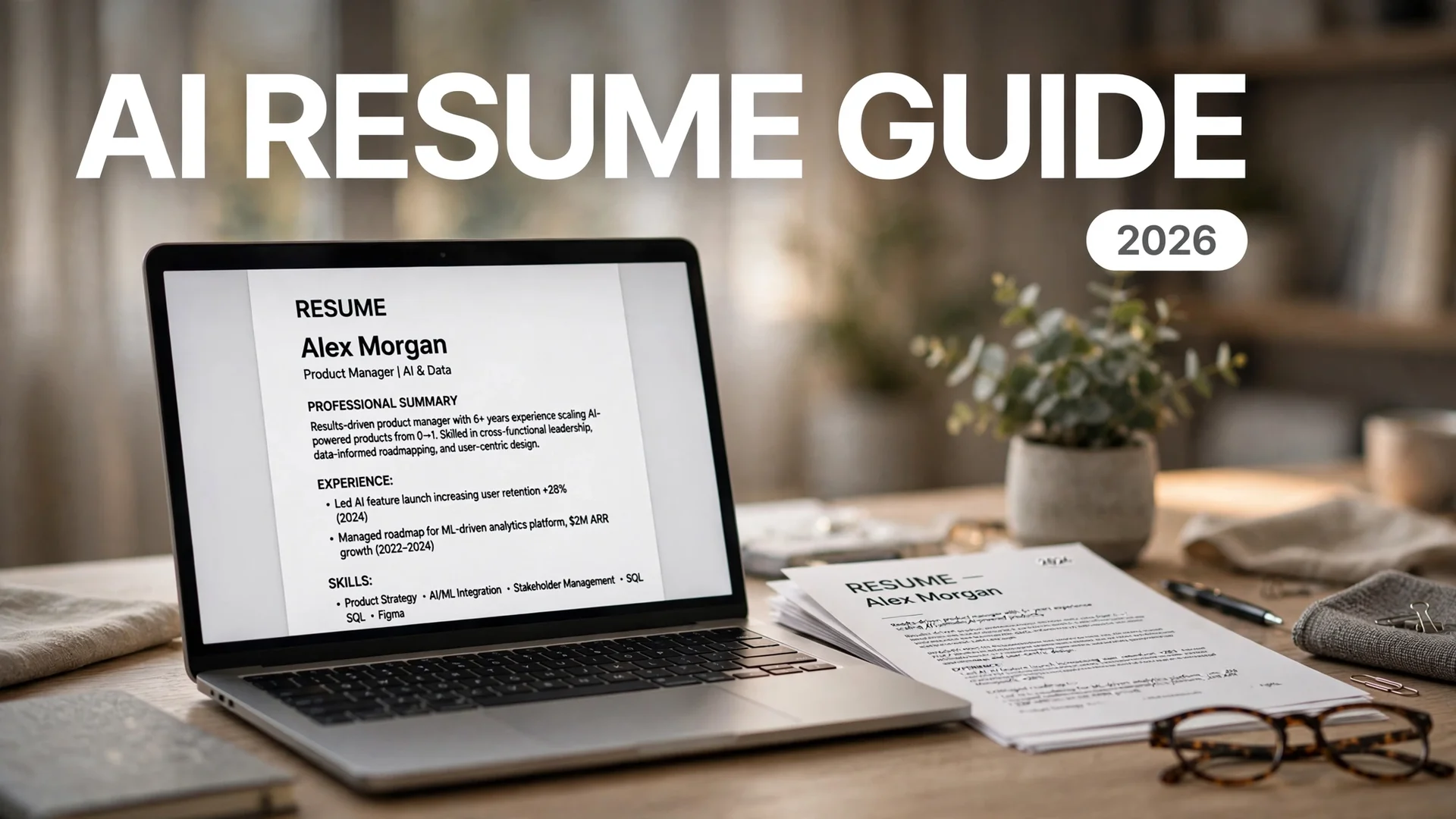
How to Write a Resume With AI: 2026 Guide

Quick answer: To write a resume with AI, feed the tool your real experience plus the target job description, then prompt it section by section: summary, bullet points, skills. Use an AI resume builder like Rezi, Teal, or Kickresume for ATS-friendly formatting, check your match score with Jobscan, and always edit out generic AI phrasing and unverifiable claims before you submit.
Applying for jobs in 2026 means writing for two audiences at once: the applicant tracking system (ATS) that parses your resume first, and the human recruiter who spends about six to ten seconds deciding whether to keep reading. AI can help you satisfy both, but only if you use it the right way.
The fastest route to a good resume is not asking ChatGPT to “write my resume” and submitting whatever comes back. That produces polished, generic filler that recruiters are increasingly good at spotting. In one 2026 survey of 1,000 U.S. hiring managers, 80% said they can spot an AI-written resume immediately. The winning approach is AI-assisted, not AI-authored: you supply the real experience and facts, AI helps with structure, wording, and keyword matching, and you edit hard at the end.
Why AI Actually Helps (and Where It Hurts)
AI is genuinely good at three resume tasks. First, keyword extraction: paste a job description into a chatbot and it will list the exact skills and terms the employer cares about in seconds. Second, bullet rewriting: it turns “responsible for customer onboarding” into accomplishment language with action verbs and metrics. Third, tailoring at scale: it can adjust the same core resume for ten different postings without you rewriting from scratch each time.
AI is bad at one thing that matters most: knowing what is true. It will happily invent job titles, metrics, and certifications you never had. It also defaults to the same vocabulary for everyone, so an unedited AI resume reads like every other AI resume. Both problems have the same fix: your review pass at the end.
And it is worth knowing what you are up against. Jobscan’s 2026 research detected an ATS on the career sites of around 97.4% of Fortune 500 companies, and the average corporate posting receives roughly 250 applications. The oft-quoted claim that “75% of resumes are auto-rejected by ATS” traces back to a now-defunct company with no published methodology, so do not take it as fact. The real risk is subtler: if the parser cannot read your formatting, or your resume is missing the terms the recruiter searches for, you simply never surface. That is exactly what AI resume tools help fix.
The Right AI Resume Workflow, Step by Step
Follow this order. It takes about an hour and works whether you use a chatbot, a dedicated builder, or both.
Step 1: Gather your raw material first
Before touching any AI tool, write down the unpolished facts: every job title, company, date range, and a rough description of what you did. Include anything you can quantify: team sizes, revenue figures, percentages, tools you used. AI cannot invent your numbers, and this “brain dump” is the raw material every later step draws from. The most common mistake beginners make is skipping this and asking AI to fill in the blanks.
Step 2: Pick your tool for the job
You have two paths. A chatbot (ChatGPT, Claude, Gemini) is free or cheap and excellent for rewriting content and tailoring to a specific posting. It just cannot score your resume or fix formatting. A dedicated AI resume builder like Rezi, Teal, or Kickresume gives you ATS-safe templates, live scoring, and keyword targeting, but gates the best features behind subscriptions. Many people use both: builders for structure and scoring, chatbots for the actual writing. Our guide to the best free AI tools covers which chatbots offer the most generous free tiers if you want to keep costs at zero.
Step 3: Draft each section with a targeted prompt
Do not ask for the whole resume in one prompt. Work section by section: professional summary first, then experience bullets, then skills. Each prompt should include your raw facts, the target role, and explicit constraints. Detailed prompt formulas for this are in our guide on how to write better AI prompts. For a quick overview of which chatbot to use, see our Gemini vs ChatGPT vs Claude vs Copilot comparison.
Step 4: Tailor to the actual job description
This is where AI earns its keep. Paste the full job description and ask the tool to compare it against your draft: which keywords are missing, which bullets should be reworded to mirror the posting’s language. Tools like Teal and Jobscan score this match for you automatically; with a chatbot you can ask for a keyword gap list directly.
Step 5: Run an ATS check
Upload your finished draft to an ATS scanner before submitting. Fix low-scoring sections, add missing keywords, and simplify any formatting the parser flags. Jobscan gives you around five free scans per month as of October 2026, which is plenty for your top-choice applications.
Step 6: Edit like it matters, because it does
Read every line and rewrite anything that does not sound like you. Cut clichés AI loves (“dynamic professional,” “leverage synergies”). Verify every date, title, and number. Then do the Notepad test: paste your resume into a plain text editor. If sections come out jumbled or disappear, the ATS parser will struggle with it too.
Best AI Resume Tools Compared
Prices below are approximate and hedged as of October 2026; always confirm on the official site before paying, since this category reprices often.
| Tool | Free tier | Paid pricing (as of Oct 2026) | Best for |
|---|---|---|---|
| ChatGPT / Claude / Gemini | Full drafting and rewriting on free plans | Around $20/month for premium tiers | Free first-draft content and tailoring to specific postings |
| Rezi | 1 resume, limited AI tools, 3 PDF downloads, no card required | Around $29/month; lifetime plan around $149 | Strictest ATS-safe formatting with live Rezi Score scoring |
| Teal | Unlimited resumes, job tracker, 10 templates, limited AI credits | Around $29/month (Teal+); weekly and quarterly options available | High-volume applicants who want tracking plus per-job Match Score |
| Kickresume | 4 basic templates, capped AI, watermarked exports | Around $24/month; around $8/month billed annually | Visual design with 40+ templates; students get 6 months of Premium free with verification |
| Jobscan | 5 ATS match scans per month | Around $49.95/month for unlimited scans | Deepest per-job ATS scoring and keyword gap analysis |
| Enhancv | 7-day trial with limited resumes and section caps | Around $24.99/month; cheaper on quarterly or semi-annual billing | Real-time AI content suggestions while you write |
Official sources: rezi.ai, tealhq.com, kickresume.com, jobscan.co, enhancv.com.
A quick take on each tool
ChatGPT, Claude, and Gemini are the most flexible starting point. Claude handles very long documents well, which makes it good for comparing your resume against several job descriptions at once. They do the writing and tailoring for free; they just cannot score ATS compatibility.
Rezi is the most ATS-focused builder. Its Rezi Score grades your resume against 23 metrics in real time, and its keyword targeting reads a pasted job posting and weaves in relevant terms. The free tier is small but precisely defined, and the one-time lifetime plan suits people who hate subscriptions.
Teal is a full job-search workspace, not just a builder. The Chrome extension saves postings from LinkedIn and other boards into a tracker, and each posting gets a Match Score against your resume version. Its free tier is the most generous in the category.
Kickresume leads on design, with 40+ templates plus a GPT-powered writer, an ATS checker on Premium, and a personal website builder. The free tier is thin, but students and teachers get six months of Premium free with student verification.
Jobscan does not build your resume for you; it diagnoses it. Paste your resume and a job description, and it reports a match score with specific missing keywords and formatting fixes. Aim for around 75 to 85 percent, not 100: a higher score usually means keyword stuffing that hurts with human readers.
Enhancv gives real-time AI suggestions as you write, flagging clichés and weak phrasing, with an ATS compatibility checker built in. Good for mid-career professionals who want a writing coach inside the editor.
How to Prompt AI for Your Resume
Three copy-paste-ready prompts that actually work. Replace the brackets with your details.
The keyword extractor
“Here is a job description: [paste]. List the 15 most important skills, tools, and keywords an ATS would look for, ranked by importance. Then compare them against my resume below and tell me which ones I am missing or only mentioning weakly: [paste resume].”
The bullet rewriter
“Rewrite this work experience as 3 resume bullet points: [your rough description]. Start each with a strong action verb, include measurable results or scale where my description supports it, and do not invent any metrics I did not mention. Keep each bullet under 20 words. Tell me where I should add specific numbers.”
The “do not invent” guardrail is the most important part of any resume prompt. Without it, AI will confidently add metrics, tools, and accomplishments that are fiction.
The professional summary
“Write a professional summary of 3 to 4 lines for a [your role] with [X] years of experience in [industry]. Highlight expertise in [skill 1], [skill 2], and [skill 3], and mention [one key achievement]. Keep it ATS-friendly and avoid buzzwords like dynamic, synergy, or guru.”
ATS Rules: 7 Formatting Do’s and Don’ts
AI writes the words; you own the formatting. Most parsers read your resume in order, top to bottom, and choke on clever design.
1. Use a single-column layout. Tables, text boxes, and multi-column designs get read out of order or dropped entirely. Keep it one column, start to finish.
2. Stick to standard headings. “Work Experience,” “Skills,” “Education.” Creative labels like “Where I’ve Made an Impact” confuse the parser, so it may miss entire sections.
3. Put contact details in the body. Headers and footers are often skipped. Name, phone, email, and location go in the main text at the top.
4. Spell out acronyms on first use. Write “customer relationship management (CRM),” not just “CRM,” since some systems search for the full phrase.
5. Save as a clean PDF or Word file. Export from Word or Google Docs, never a scanned image or photo of a document. Name it FirstName_LastName_Resume.pdf.
6. Use readable fonts and no graphics. Arial or Calibri at 10 to 12 points. No charts, icons, skill bars, or profile photos; the parser ignores them and some recruiters dislike photos.
7. Mirror the posting’s language. If the job description says “client retention” and your resume says “account management,” use the posting’s term somewhere natural. Semantic matching has improved, but exact terms still match most reliably.
5 Mistakes to Avoid When Writing a Resume With AI
1. Submitting AI’s first draft untouched. It will be generic, overlong, and full of phrases you would never say in an interview. Edit until it sounds like you.
2. Letting AI invent your achievements. Fabricated metrics collapse the moment an interviewer asks for the story behind them. Every number on your resume must be real or clearly estimated.
3. Keyword stuffing to hit a perfect score. Chasing a 100% match on Jobscan or Teal produces unreadable resumes. Around 75 to 85% is the practical target; readability wins after that.
4. Using the same resume for every job. The whole point of AI tailoring is per-job customization. Save your strongest version as a master resume, then tailor a copy for each top-choice posting.
5. Trusting fancy templates over ATS-safe ones. A beautiful two-column design that the parser misreads is worse than a plain one it reads perfectly. Run every resume through an ATS check before sending it.
FAQs
You can, but you should not submit it as-is. AI drafts are generic and may invent experience you do not have. Use AI to draft, tailor keywords, and rewrite bullets, then edit everything, verify every fact, and add your own voice before submitting.
Chatbots like ChatGPT, Claude, or Gemini are best for free drafting and tailoring to a specific job. Dedicated builders like Rezi, Teal, and Kickresume add ATS-friendly templates and scoring. For deep per-job keyword analysis, Jobscan is the strongest diagnostic tool.
An ATS rarely auto-rejects resumes outright; it parses them into a database and ranks them. The real risk is poor formatting the parser cannot read or missing keywords the recruiter searches for. A simple single-column layout with standard headings avoids most parsing problems.
Add an explicit guardrail to every prompt, such as ‘do not invent any metrics, titles, or experience I did not mention.’ Then read every line of the output and verify dates, titles, and numbers yourself before submitting.
Aim for around 75 to 85 percent on tools like Jobscan or Teal. Pushing toward 100 percent usually means keyword stuffing, which makes your resume unreadable to the human recruiter who reviews it next.
Yes. Teal offers unlimited resumes and job tracking on its free plan with limited AI credits. Rezi’s free tier includes one resume and three PDF downloads. Jobscan gives around five free ATS scans per month. ChatGPT, Claude, and Gemini all draft and rewrite resumes free of charge.
Final Thought
AI does not get you the job. It gets your resume read by the right eyes, both machine and human, by closing the gap between your real experience and the words employers search for. The people who win with AI resumes in 2026 all do the same thing: they bring the truth, use AI for the wording and the matching, and edit with a skeptic’s eye. Do that, and a one-hour AI workflow beats a weekend of staring at a blank document every time. Once the resume is ready, the next step is the application itself: our guide to using AI for job applications walks through the four-stage system — tracking, ATS tailoring, cover letters, and mock interviews — without letting AI invent experience. And when an application turns into an interview, preparing for a job interview with AI covers the question bank, STAR stories, and voice mock interviews.