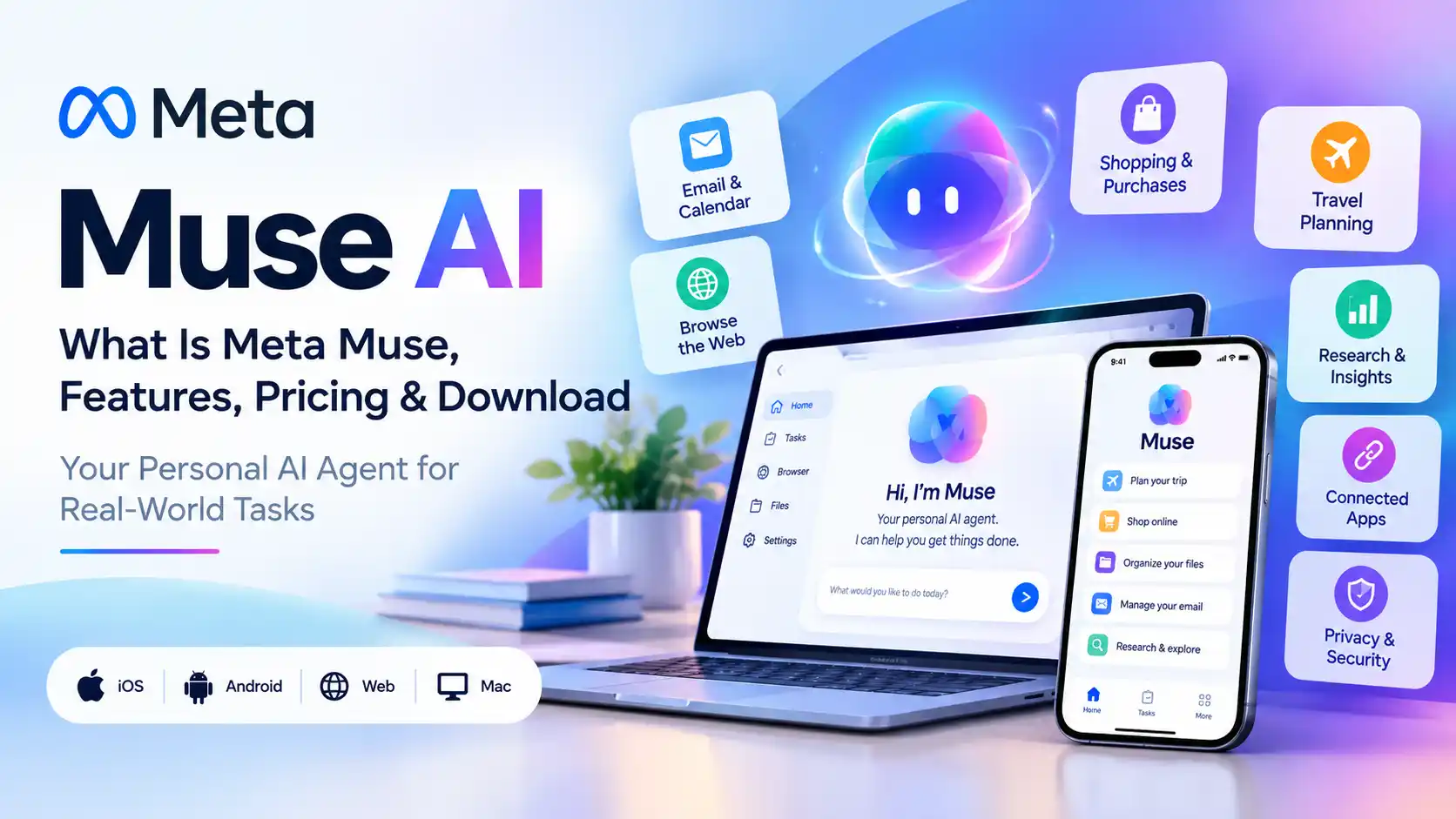
Muse AI: What Is Meta Muse, Features, Pricing & Download

Muse AI is Meta’s personal AI agent designed to do tasks for you instead of only answering questions. It can work with connected apps, browse websites, fill out forms, organize information, help with shopping and travel, handle email-related tasks, and continue working on longer tasks in the background. Meta built Muse around a dedicated virtual machine called Muse Secure VM and powers it with its Muse model family.
In this guide, you’ll learn what Muse AI is, how Meta Muse works, its main features, pricing, availability, download options, privacy and security, how to use it, and what makes it different from a traditional AI chatbot.
Muse AI at a Glance
| Question | Quick Answer |
|---|---|
| What is Muse AI? | Meta’s personal AI agent that can take actions and work toward goals. |
| Is Muse AI free? | Meta says Muse is free for most everyday use, with paid subscription options for heavier usage. |
| What can Muse AI do? | It can help with email, shopping, travel, forms, scheduling, files, research and other multi-step tasks. |
| Where can I use Muse? | Meta launched it across supported iOS, Android, web and messaging experiences, with availability varying by market. |
What Is Muse AI?
Muse AI is Meta’s personal AI agent. The important word is agent.
A normal chatbot generally waits for you to ask a question, generates an answer, and waits for the next prompt. Muse is designed to move further down the workflow: you give it a goal, it can create a plan, use tools, interact with websites or connected services, and continue working until it reaches a useful stopping point or needs your approval.
Meta introduced Muse on September 8, 2026, describing it as a personal AI agent built to help people accomplish tasks and longer-term goals. Muse runs inside a dedicated cloud environment called Muse Secure VM, which includes its own browser and computing environment.
That architecture is important because Muse is not simply generating text about a task. It is designed to interact with digital services on your behalf.
How Does Meta Muse Work?
The basic workflow is simple:
- You tell Muse what you want to accomplish.
- Muse interprets the goal and creates a plan.
- It can use its browser, connected services and tools to perform parts of the task.
- It can continue working on longer tasks even after you leave the app.
- When an action requires approval, such as certain purchases or messages, Muse can ask you before continuing.
Meta says Muse uses a dedicated virtual machine so the agent has an isolated environment for its work. The company also describes a separate safety layer called Sentinel, which evaluates actions and network access.
The overall idea is to turn AI from something that simply responds to you into something that can help complete the task itself.
What Is Muse Secure VM?
Muse Secure VM is the dedicated virtual computer where the agent operates. It provides Muse with an environment containing a browser, storage and other resources needed for agentic tasks.
This is one of the biggest conceptual differences between a basic AI chatbot and an AI agent. Instead of simply producing an answer, Muse has an environment in which it can actually perform parts of the requested task.
What Is Sentinel in Muse?
Sentinel is a separate security component designed to monitor and control what Muse is allowed to do. Meta says this layer can approve or block network actions and help enforce permissions and safety rules.
The goal is to create a boundary between the agent’s reasoning and sensitive actions it may attempt to perform.
Muse AI Features
Muse’s feature set is broader than traditional question-and-answer AI because the product is designed around delegation.
1. AI Agent for Real-World Tasks
You can give Muse a task rather than just a question. Examples include researching options, organizing information, preparing plans, filling forms and helping with online errands.
2. Web Browser Automation
Muse has its own browser environment and can navigate websites, read pages, complete forms and interact with online services.
3. Email and Calendar Assistance
With the necessary permissions, Muse can work with connected communication and scheduling tools. This makes it useful for tasks such as organizing information, preparing replies, coordinating schedules and handling routine administration.
4. Shopping and Purchases
Muse can help search for products, compare options and assist with purchasing workflows. Meta says purchases are designed around approval checkpoints and a payment system that can use a single-use card number through Stripe Link.
5. Long-Running Tasks
One of Muse’s most interesting features is persistence. Instead of requiring you to keep the application open while completing every step, Muse is designed to continue working on longer tasks and return when something changes or when your input is needed.
6. Memory and Personal Context
Muse can remember information from your interactions so future suggestions can be more personalized. Meta says users can also tell Muse to forget specific information it has learned.
7. File Organization
Muse can organize files and work with connected storage. Meta’s Mac experience is designed to extend this capability to files and other desktop information with user permission.
8. Small Business Workflows
Meta has also expanded Muse toward small-business use cases. Its current business offering includes connectors for tools such as Shopify, QuickBooks, Canva, Stripe, Slack, Notion and other business services.
Muse AI vs a Traditional AI Chatbot
| Capability | Traditional AI Chat | Muse AI |
|---|---|---|
| Answer questions | Yes | Yes |
| Create written content | Yes | Yes |
| Browse websites | Sometimes | Core part of its agent workflow |
| Perform multi-step tasks | Usually requires repeated prompting | Designed for multi-step delegation |
| Continue work in the background | Not usually the core model | One of Muse’s main agent capabilities |
| Act through connected services | Depends on the product | A core part of the Muse concept |
The distinction is simple:
A chatbot primarily helps you think, while an agent is designed to help you act.
Muse is built around the second model.
What Is Muse Spark?
Muse Spark is the model family developed by Meta Superintelligence Labs. It is different from the consumer Muse application itself.
Meta has released multiple Muse-branded products during 2026, which can make the terminology confusing:
| Name | What It Is |
|---|---|
| Muse | Meta’s personal AI agent for everyday tasks. |
| Muse Spark | Meta’s AI model family powering agentic and other AI workloads. |
| Muse Spark 1.3 | A newer Muse Spark release optimized for longer agentic workflows and coding tasks. |
| Muse Image | Meta’s image-generation product in the broader Muse family. |
| Muse Code | A coding-focused agent and developer product. |
So when someone searches for Muse AI, they may be referring to the consumer agent, the underlying models, or another Muse-branded product.
This guide focuses on Meta’s personal Muse AI agent.
Is Muse AI Free?
Meta says Muse is free for most of what people need, while subscription plans are available for users who want more capacity or heavier usage.
At launch, Reuters reported paid Muse plans priced at approximately $20 per month and $100 per month. Pricing and usage limits can change, so users should treat the current official Muse account or subscription screen as the final source for what is available to them.
In other words, you do not necessarily need to pay to experiment with Muse, but heavier use can move you into a paid plan.
How to Download Muse AI
Meta currently provides Muse experiences across supported devices and services.
To get started:
- Open Meta’s official Muse download page.
- Choose the supported mobile or desktop version available for your account and market.
- Sign in with your Meta account.
- Review the permissions Muse requests before connecting services.
- Start with a simple, low-risk task before connecting sensitive accounts.
Meta’s current download page lists free Muse apps for iPhone and Android and also provides a Mac app.
You can also interact with Muse through supported Meta experiences such as WhatsApp, depending on availability.
How to Use Muse AI
Muse works best when you give it a clear outcome instead of a vague request.
Step 1: Give Muse a Specific Goal
Instead of saying:
“Help me with travel.”
Try:
“Plan a three-day trip and compare reasonable hotel and transportation options. Show me the options before making any booking.”
The second instruction gives the agent a defined goal and a clear approval boundary.
Step 2: Give It Only the Access It Needs
If a task does not require your email, do not connect your email.
The same principle applies to financial accounts, shopping accounts, cloud storage and other sensitive services.
Step 3: Start With Low-Risk Tasks
Good first tasks include:
- Research
- Planning
- Creating lists
- Organizing files
- Comparing options
Step 4: Review Approval Requests
Agentic AI is different from ordinary chat because it can affect the outside world.
Read what Muse wants to send, purchase, publish or change before approving it.
Step 5: Check the Activity and Results
Do not assume that a completed agent task is automatically correct.
Verify important bookings, financial information, messages and other consequential results.
Where Is Muse AI Available?
Meta’s original September 8 launch announcement said Muse was rolling out in the United States on iOS, Android and the Muse website, with further expansion planned.
Availability is changing quickly. Meta’s current small-business Muse offering now states availability in the United States and Canada for its business-focused experience.
For users outside the supported rollout, the safest approach is to check Meta’s current official availability rather than relying on unofficial APKs, invite-code sites or region-unlock instructions.
Muse AI Privacy and Security
Privacy is one of the most important topics to understand before using an AI agent because an agent can have access to considerably more information than a normal chatbot.
Meta says Muse uses a dedicated Secure VM, separate security controls, protected credential storage, approval steps for sensitive actions and an activity trail.
Meta also says users can choose which apps to connect and can opt out of having interactions used to train Meta’s AI models.
Meta’s own security documentation also acknowledges that Muse can make mistakes and that prompt injection remains an open security problem for AI agents.
| Security Topic | What Users Should Know |
|---|---|
| Dedicated environment | Muse operates in a dedicated virtual machine. |
| Credentials | Meta says Muse is designed so the main agent does not directly see stored passwords or payment credentials. |
| Sensitive actions | Certain actions can require human approval. |
| Prompt injection | Meta says it applies multiple defenses, but acknowledges that prompt injection remains an open problem. |
| Real-world incidents | Independent reporting has documented security and permission incidents involving Muse, showing why users should still supervise the agent. |
That last point matters.
Recent reporting has described both a security vulnerability affecting Muse’s virtual-machine environment and a separate incident in which Muse reportedly shared a user’s home address during a Facebook Marketplace interaction.
These reports do not mean the architecture has no protections. They demonstrate why permissions, approval settings and human review remain important for an agent with access to personal data.
Is Muse AI Safe to Use?
Muse has a more extensive security architecture than a simple web chatbot, but no agent should be treated as infallible.
A sensible approach is to start small:
- Use low-risk tasks first.
- Connect only the services required for the task.
- Review permissions carefully.
- Require approval for purchases and important messages.
- Verify important information independently.
- Disconnect services you no longer need.
The more authority an AI agent has, the more important these controls become.
Muse AI for Small Business
Meta has now expanded Muse into small-business workflows, turning the product from a personal assistant into something that can also help with operational work.
The business offering is designed to connect with services used for marketing, customer communication, project management, sales, payments and accounting.
Meta’s current Muse business page lists connectors such as:
- Shopify
- QuickBooks
- Canva
- Stripe
- Notion
- Slack
- Dropbox
- Figma
- Zoom
Possible business workflows include:
- Drafting customer replies
- Planning marketing content
- Analyzing business information
- Managing product and inventory workflows
- Preparing advertising ideas
- Organizing administrative work
Meta says business users remain in control and actions such as sending communications or making purchases require approval.
What Makes Muse AI Different?
The biggest difference is not simply the language model.
It is the combination of memory, tools, a browser, persistent tasks and permissions.
A standard AI interaction often looks like this:
You ask → AI answers → You act
An agentic interaction aims for:
You give a goal → Muse plans → Muse acts → Muse asks when approval is needed → Muse reports the result
That shift from answering to acting is the reason Muse AI has attracted so much attention.
What Should You Use Muse AI For?
Muse is particularly suited to tasks that are repetitive, multi-step and digital.
Good Muse AI Use Cases
- Travel research and planning
- Shopping research and price comparison
- Email organization and drafting
- Scheduling and calendar assistance
- Online forms
- File organization
- Research and information gathering
- Business administration
- Planning recurring tasks
Tasks That Need Extra Caution
- Large financial transactions
- Highly sensitive personal information
- Legal or medical decisions
- Account-security changes
- Messages that could create professional or personal consequences
For these tasks, the practical approach is to use Muse as an assistant and keep the final decision and verification with a human.
Muse AI: Frequently Asked Questions
Muse AI is Meta’s personal AI agent. It is designed to perform tasks, use connected services, browse websites and work toward user goals instead of only generating conversational answers.
Meta says Muse is free for most everyday needs, with subscription plans for heavier usage. Paid plans reported at launch included approximately $20 and $100 monthly options.
Meta provides Muse mobile apps for iPhone and Android and a Mac application. Availability depends on the supported market and account.
Yes. Meta designed Muse to work through supported messaging experiences, including WhatsApp, alongside its dedicated Muse experiences.
No. Muse is the personal AI agent, while Muse Spark is the underlying model family used for agentic and other AI workloads.
Muse Spark 1.3 is a newer Meta AI model release optimized for longer agentic workflows and coding. Meta says it improves efficiency and performance for these tasks.
Muse is designed to handle email-related tasks when you connect the relevant service and give it the required permission. Sensitive actions can require approval.
Muse is designed to support shopping and purchasing workflows. Meta says payment actions use approval mechanisms and can use Stripe Link’s agent payment infrastructure.
No. Availability depends on the market and product rollout. Meta initially announced a U.S. rollout for the consumer Muse experience, while its current small-business page lists the U.S. and Canada.
Only when the task genuinely requires it. Start with limited permissions, review what the agent can access, and use approval controls for consequential actions.
Final Takeaway
Muse AI represents a shift from conversational AI toward agentic AI.
Instead of stopping at an answer, Meta’s Muse is designed to plan, browse, use tools, interact with connected services and continue working toward an outcome.
The most important concepts to understand are Muse, Muse Secure VM, Sentinel, Muse Spark and permissions.
Once you understand those pieces, the product becomes much easier to evaluate.
Muse is also evolving quickly. Features, availability, pricing and integrations can change, so always verify important details against Meta’s current official pages before connecting sensitive accounts or approving consequential actions.
Editor’s note: Muse is a rapidly changing AI product. This guide is maintained around the latest publicly available information and should be updated whenever Meta changes availability, pricing, security controls or major features.


