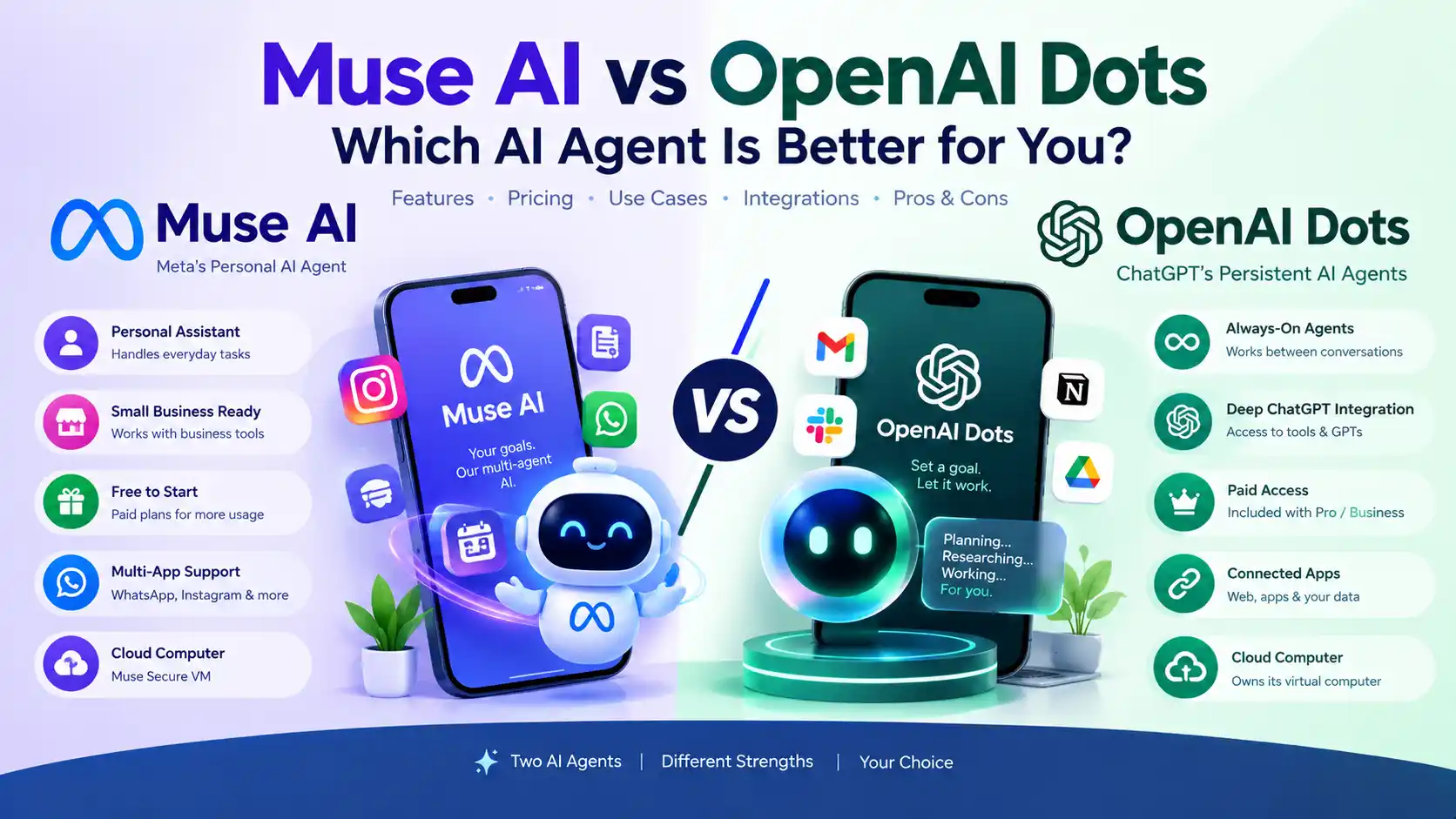
Muse AI vs OpenAI Dots: Which AI Agent Is Better?

Muse AI vs OpenAI Dots is one of the newest comparisons in the AI-agent market. Both products go beyond ordinary chatbots: they can keep working after you leave the conversation, use a computer in the cloud, connect to services, and work toward goals with varying levels of autonomy.
But Muse and OpenAI dots are not identical products.
Meta designed Muse as a personal AI agent that can work across everyday services and, more recently, small-business tools. OpenAI designed dots as persistent agents inside the ChatGPT ecosystem, with connected apps, recurring work, and a stronger professional-work orientation.
Quick Answer: Muse AI vs OpenAI Dots
Muse is the better starting point for users who want a free AI agent and consumer-oriented automation. OpenAI dots are more compelling for users already invested in ChatGPT who want a persistent agent for professional and knowledge-work tasks.
Muse offers a free tier and paid plans, while a dot currently comes with eligible ChatGPT Pro or Business Premium access rather than having a separate standalone subscription price.
The better choice depends heavily on:
- Where you already work
- Your budget
- Which apps you need to connect
- Whether you want consumer or professional workflows
- Regional availability
- How much autonomous work you need
Muse AI vs OpenAI Dots at a Glance
| Feature | Meta Muse | OpenAI Dots |
|---|---|---|
| Company | Meta | OpenAI |
| Launch | September 8, 2026 | September 29, 2026 |
| Type | Personal AI agent | Always-on AI agent |
| Underlying technology | Muse Spark | GPT-6 Astra |
| Own cloud computer | Yes, Muse Secure VM | Yes |
| Works after you leave | Yes | Yes |
| Free option | Yes, with usage limits | No standalone free dots plan |
| Starting paid access | Power: $20/month | Included with eligible ChatGPT Pro |
| Main strength | Personal tasks and small-business automation | Professional and ongoing knowledge work |
| Messaging / access | Muse app, web and WhatsApp | ChatGPT ecosystem, with supported connected channels |
Meta says Muse operates inside a dedicated Muse Secure VM and can act across connected applications. OpenAI says each dot has its own cloud computer and browser and can continue work between conversations.
What Is Muse AI?
Muse is Meta’s personal AI agent.
Unlike a conventional chatbot that mainly generates an answer and waits for the next prompt, Muse is designed to take a goal and work toward completing it.
Meta says Muse can operate from a dedicated secure virtual machine containing the agent and the user’s data. It has its own browser and can work across services the user connects.
Examples include:
- Sending emails
- Booking travel
- Researching products
- Handling everyday tasks
- Monitoring information
- Working toward longer-term goals
- Helping with small-business operations
Muse is also designed to remain proactive rather than requiring the user to manually issue every next instruction.
What Are OpenAI Dots?
OpenAI dots are persistent AI agents inside ChatGPT.
OpenAI describes a dot as an always-on agent that can take responsibility for ongoing work and keep making progress between conversations.
A dot has:
- Its own cloud computer
- Its own browser
- Connected tools
- Persistent context
- Recurring work capabilities
- The ability to delegate some work to subagents
OpenAI says dots are powered by GPT-6 Astra.
The important difference from a normal ChatGPT conversation is persistence.
Instead of saying:
“Do this task now.”
you can give a dot an ongoing objective and allow it to continue working toward that objective.
Muse vs OpenAI Dots: How Different Are They?
At a high level, the products look surprisingly similar.
Both can:
- Operate beyond a single chat response
- Use a cloud computer
- Work with websites and apps
- Remember context
- Perform multi-step tasks
- Work toward longer-running goals
- Ask for user approval when important decisions are required
But their product positioning differs.
Muse
Meta emphasizes personal assistance, everyday services, and small-business automation.
Dots
OpenAI emphasizes ongoing professional work, connected apps, ChatGPT integration and persistent agent workflows.
That difference is more important than simply asking which model is “smarter.”
Muse AI vs OpenAI Dots Pricing
Pricing is one of the biggest differences.
Muse pricing
Meta says Muse is free for most users, with paid subscriptions for users who want more usage. Current launch reporting identifies:
- Free — usage-limited
- Power — $20/month
- Maximum — $100/month
TechCrunch reported those two paid plans at launch, while Meta’s current small-business announcement confirms that Muse has a free offering plus subscription plans.
Some current reporting and Meta subscription information also associate the paid plans with higher weekly token allowances, but users should check the live Muse account screen because availability and limits are still evolving.
OpenAI Dots pricing
Dots currently do not have a separate standalone subscription price.
OpenAI says the first dot is included with eligible ChatGPT Pro and Business Premium plans. Enterprise users can access dots through beta when their administrator enables them.
OpenAI currently lists:
| ChatGPT plan | Current price | Dot access |
|---|---|---|
| Pro 100 | $100/month | Yes |
| Pro 200 | $200/month | Yes |
| Pro 500 | $500/month | Yes |
| Business Premium | $100/user/month annually | Yes |
| Business Premium | $125/user/month monthly | Yes |
| Enterprise | Custom | Beta access |
OpenAI’s current Pro documentation lists $100, $200 and $500 monthly Pro tiers, while Business Premium is documented at $100 per user per month with annual billing or $125 monthly.
Pricing verdict
Muse wins on entry price.
You can start with Muse without paying a monthly subscription.
Dots make more financial sense when you already want an eligible ChatGPT Pro or Business Premium subscription because the first dot is included rather than charged separately.
Muse vs OpenAI Dots: Features
| Capability | Muse | Dots |
|---|---|---|
| Persistent agent | Yes | Yes |
| Cloud computer | Muse Secure VM | Dedicated cloud computer |
| Browser control | Yes | Yes |
| Connected apps | Yes | Yes |
| Small-business workflows | Strong focus | Strong professional focus |
| Recurring work | Yes | Yes |
| Subagent delegation | Yes, internally | Yes |
| Messaging ecosystem | Muse app and WhatsApp | ChatGPT and supported work channels |
OpenAI says dots can connect apps, use their own cloud computer and browser, perform recurring work, and delegate tasks to subagents.
Meta says Muse works through its secure VM and can operate across connected apps, while Muse for Small Business adds integrations with numerous business services.
Muse AI for Small Business
This is one of Muse’s most interesting advantages.
On September 29, 2026, Meta announced Muse for Small Business, adding business-oriented skills and connectors.
Meta lists integrations including:
- Asana
- Box
- Canva
- Dropbox
- Figma
- Granola
- HighLevel
- QuickBooks
- Klaviyo
- Lovable
- Notion
- Shopify
- Slack
- Stripe
- Zoom
- Facebook Pages
- Instagram professional accounts
- Meta advertising accounts
Muse can use these connections to analyze business information, create content, monitor campaigns and help manage operations.
For a freelancer, creator or small-business owner, this makes Muse particularly interesting.
OpenAI Dots for Business
Dots are also heavily oriented toward work.
OpenAI says dots can:
- Connect to apps
- Work on recurring assignments
- Continue work between conversations
- Use a dedicated cloud computer
- Follow up on tasks
- Delegate parts of a task to subagents
OpenAI is also positioning specialist dots for enterprise scenarios.
Business Premium users receive dot access, while Enterprise users can access dots through beta when administrators enable them.
Muse vs Dots for Automation
This is where both tools become much more interesting than traditional AI chatbots.
A conventional chatbot might do this:
Prompt
  ↓
AI response
  ↓
Conversation ends
An AI agent can work more like:
Goal
  ↓
Plan
  ↓
Use tools
  ↓
Take actions
  ↓
Check results
  ↓
Continue working
  ↓
Ask for approval when necessary
Both Muse and dots are designed around the second model.
Example: marketing task
You could tell an agent:
Analyze my recent marketing performance and prepare next week’s campaign.
Instead of simply giving you advice, the agent can potentially inspect connected information, analyze it, create drafts and return results for approval.
Meta specifically describes Muse use cases involving sales, advertising, customer communication and business-performance analysis.
OpenAI describes dots as ongoing agents that can work through complex problems and continue making progress between conversations.
Muse vs OpenAI Dots for Students
For students, the decision is relatively straightforward.
Muse may be better when:
- You want to experiment with AI agents for free.
- You want an agent for everyday tasks.
- You use consumer services heavily.
- You want a simple starting point.
Dots may be better when:
- You already use ChatGPT Pro.
- You have complex research or knowledge-work tasks.
- You need recurring workflows.
- You want an agent integrated into ChatGPT.
For students who don’t already pay for ChatGPT Pro, Muse has the lower financial barrier.
Muse vs OpenAI Dots for Freelancers
Freelancers can benefit from either platform.
Muse is attractive when your workflow revolves around tools such as:
- Canva
- Notion
- Slack
- Shopify
- Zoom
- QuickBooks
Meta specifically expanded Muse with these types of business connectors.
Dots are attractive when your work already lives inside ChatGPT and connected professional tools.
Freelancer verdict
Muse: better starting point for lower-cost automation.
Dots: stronger choice for freelancers who already depend heavily on ChatGPT for professional work.
Muse vs OpenAI Dots for Small Business
For small businesses, there is no universal winner.
Muse has a notable advantage because Meta has explicitly built a Muse for Small Business experience around marketing, customer communication, operations and business analysis.
Dots have a strong professional orientation and are designed to operate continuously across connected tools.
Choose Muse when your business relies heavily on:
- Shopify
- Canva
- QuickBooks
- Slack
- Notion
- Marketing workflows
Consider dots when your business relies heavily on:
- ChatGPT
- Connected professional applications
- Long-running knowledge work
- Research
- Recurring operational tasks
- Microsoft Teams or Slack workflows
Muse vs Dots: Which Has Better Integrations?
Neither product should automatically be declared the winner.
The right question is:
Does the agent connect to the services I actually use?
Meta has publicly listed a large set of Muse business connectors, including Canva, Dropbox, Notion, Shopify, Slack, Stripe, Zoom, QuickBooks and several Meta business services.
OpenAI describes dots as working with connected apps and channels, with the ability to continue tasks and delegate work.
For integration-heavy workflows, your actual app stack should determine the choice.
Muse vs OpenAI Dots: Privacy and Control
AI agents introduce a different privacy question from traditional chatbots.
Instead of simply sending a prompt, an agent may be able to:
- Read information
- Open websites
- Access connected services
- Manage files
- Perform actions
- Continue working without an active conversation
That makes permissions and approval systems extremely important.
Meta says Muse is built around user control and that nothing publishes, sends or spends without approval in the small-business experience.
OpenAI similarly describes dots as returning to the user for decisions that require human judgment.
For either product, users should carefully review connected apps and permissions before granting access.
Muse Availability vs OpenAI Dots Availability
Availability is a major practical issue.
Meta initially launched Muse in the United States and Canada. Its rollout and subscription availability can vary by region and account.
OpenAI says dots are rolling out to Pro users in supported markets, with Pro access excluding the European Economic Area, Switzerland and the United Kingdom at launch. Business Premium users can access dots across supported ChatGPT regions.
This means your country should be checked before subscribing.
Muse vs OpenAI Dots: Main Advantages
| Muse | OpenAI Dots |
|---|---|
| Free starting option | Included with eligible paid plans |
| Consumer-focused experience | Professional/work-focused experience |
| Strong small-business direction | Strong ChatGPT/work integration |
| Meta and consumer service integrations | ChatGPT connected-app ecosystem |
| WhatsApp access | ChatGPT and supported work channels |
Muse vs OpenAI Dots: Which One Is Better?
The answer depends on the type of user.
Best for free AI-agent experimentation: Muse
Muse has the clear advantage because it offers a free starting option.
Best for ChatGPT-heavy users: OpenAI Dots
If you already use ChatGPT Pro or Business Premium, the first dot is included with the plan.
Best for small businesses: Muse
Muse has an explicit small-business product layer with many business connectors.
Best for professional knowledge work: OpenAI Dots
Dots are designed around persistent work, connected apps and recurring tasks inside the ChatGPT ecosystem.
Best value for casual users: Muse
A free tier makes Muse easier to try without committing to a $100+ monthly ChatGPT plan.
Muse AI vs OpenAI Dots: Final Verdict
Muse and OpenAI dots are better understood as two different approaches to AI agents rather than identical chatbot competitors.
Choose Muse when you want a lower-cost entry point, consumer automation, Meta ecosystem integration or small-business workflows.
Choose OpenAI dots when you already live inside ChatGPT, want persistent professional workflows and are comfortable with a paid ChatGPT plan.
The most important distinction is simple:
Muse is easier to start with; dots are deeply integrated into the ChatGPT work ecosystem.
Both products are evolving rapidly, so pricing, regions, integrations and usage limits should be checked before making a purchasing decision.
Frequently Asked Questions
Muse is Meta’s personal AI agent, while OpenAI dots are persistent AI agents inside ChatGPT. Both can use cloud computers and connected apps, but Muse emphasizes personal and small-business automation while dots are more closely integrated with ChatGPT and professional workflows.
Yes. Meta says Muse is free for most of what people need, with paid subscriptions for users who want more. Current launch pricing reported for Muse includes a $20/month Power plan and a $100/month Maximum plan.
Dots do not currently have a separate standalone free plan. OpenAI includes the first dot with eligible ChatGPT Pro and Business Premium plans, while Enterprise access is in beta.
There is no separate dot fee for the first included dot. Eligible Pro plans currently start at $100/month, while Business Premium costs $100 per user/month with annual billing or $125 monthly.
Muse is better for users who want a free or lower-cost way to try an AI agent, while dots are better suited to users who already work extensively in ChatGPT and need persistent professional workflows.
Yes. Both are designed for agentic workflows that can continue working after the user leaves the immediate conversation, although permissions and approval requirements apply.
Muse is particularly attractive for small businesses because Meta has launched Muse for Small Business with connectors for services such as Canva, Shopify, Slack, QuickBooks, Zoom, Stripe, Notion and Meta business accounts.
Muse is easier to try because it has a free option. Dots become more attractive when a student already has an eligible ChatGPT Pro subscription and needs recurring research or professional workflows.
Start with Muse when price and easy experimentation matter most. Choose dots when your existing work is already centered on ChatGPT and connected professional applications.
Final Takeaway
The Muse AI vs OpenAI Dots comparison is ultimately about workflow fit, not just model intelligence.
Muse has an advantage in accessibility, consumer use and small-business automation.
OpenAI dots have an advantage for users already embedded in ChatGPT who want an always-on agent for ongoing professional work.
Because both platforms are new and changing quickly, check the current product page, supported region, pricing and connected-app availability before subscribing.