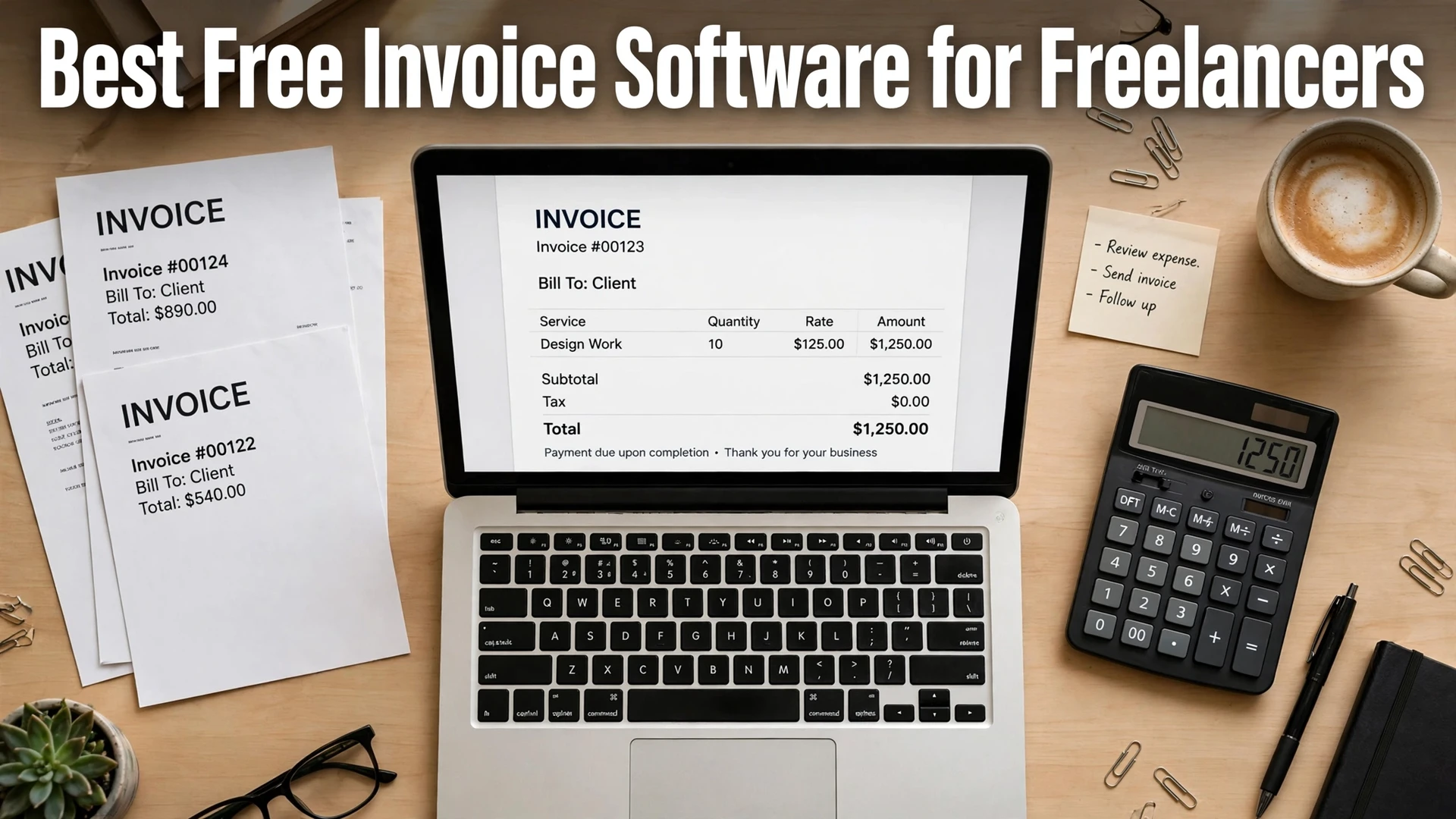
Best Free Invoice Software for Freelancers (Hidden Costs Compared)

Quick answer: The best free invoice software for most freelancers is Wave, because its $0 Starter plan includes unlimited invoices with no client cap. Zoho Invoice is the best truly-free runner-up (500 invoices a year, 2 users), Invoice Ninja is best if you want self-hosting, and Square Invoices is best if clients mostly pay by card. Watch out for FreshBooks: it has no free plan at all, only a 30-day trial. “Free” almost always still costs you something — usually payment-processing fees, a client cap, or branding on your invoices.
Every invoicing tool markets itself as “free.” Very few of them are free in the way a freelancer actually needs: send as many invoices as you want, to as many clients as you have, get paid, and keep all of it.
I checked the free tier of each tool below against its own official pricing page on October 13, 2026, and compared what “free” really includes: invoice limits, client caps, branding, payment fees, and what forces you onto a paid plan. Prices below are list prices in USD — promos change constantly, so budget from the list price, not the banner.
What “Free” Usually Hides: The 4 Hidden Costs
Before the tool-by-tool breakdown, here are the four traps I found in almost every free plan. If you only remember one section of this post, make it this one:
- Payment-processing fees. The software is free; getting paid is not. When a client pays by card, the tool takes roughly 2.8–2.9% plus a fixed fee per payment. On a $1,000 invoice, that is around $29–$30 gone.
- Client or invoice caps. A “free” plan that covers 5 clients is not free for a freelancer with 8 clients. The cap, not the feature list, is what usually forces the upgrade.
- Branding on your invoices. Some free plans stamp “Powered by…” on the invoice you send a client. It looks unprofessional, and removing it costs money.
- Missing automation. Free plans often drop the features that save the most time — automatic payment reminders, bank feeds, receipt scanning. You pay with your time instead of your wallet.
1. Wave — Best Truly-Free All-Rounder
Wave is the closest thing to genuinely free invoicing for freelancers. Its Starter plan costs $0 and includes unlimited invoices, estimates, and bills, plus real double-entry accounting and a mobile app. I verified this on Wave’s own pricing and support pages: nothing on Wave is metered by invoice volume.
What free includes: unlimited invoices, estimates, and bills; expense tracking; financial reports; mobile invoicing.
The hidden cost: payment processing. Card payments cost 2.9% + $0.60 per transaction on Starter, and bank payments (ACH) cost 1% with a $1 minimum. Starter also has no automatic bank import — you upload statements manually — and receipt scanning is a paid add-on (around $11/month). Wave’s online payments work in the US and Canada only, so freelancers billing clients elsewhere need another way to get paid.
When you pay: Wave Pro is $19/month or $190/year and adds automatic bank imports, auto-categorization, automated late-payment reminders, branding removal, multi-user roles, and a lower processing fee (no fixed fee on your first 10 card payments each month).
Best for: US- and Canada-based freelancers who want free invoicing plus basic bookkeeping in one place.
2. Zoho Invoice — Best Free Plan With No Paid Tier
Zoho Invoice is unusual: it is completely free, and there is no paid version of the product itself. Zoho confirmed this on its pricing page — Invoice is free for small businesses, full stop.
What free includes: invoicing, estimates, expenses, time tracking, recurring invoices, and payment-gateway integration (Stripe, PayPal, and others).
The hidden cost: the caps. The free plan covers up to 2 users, up to 5 clients, a maximum of 3 projects, and up to 500 invoices per year, and every invoice carries “Powered by Zoho Invoice” branding. There is also a data-retention catch: Zoho deletes your data if your account sits inactive for over 180 days, so log in periodically or keep a backup.
When you pay: there is no paid Zoho Invoice tier. When you outgrow the caps, Zoho points you to a different product — Zoho Billing or Zoho Books — which means learning a new tool and migrating your data.
Best for: freelancers with a handful of regular clients (5 or fewer) who send fewer than 500 invoices a year and do not mind the Zoho branding.
3. Invoice Ninja — Best Free Plan for Customization and Self-Hosting
Invoice Ninja’s free plan is genuinely useful — but read the fine print, because it changed in 2026. Per Invoice Ninja’s own pricing announcement, the free plan was cut from 20 clients to 5 clients on January 1, 2026. Older reviews still cite 20 clients; they are out of date.
What free includes: up to 5 clients, unlimited invoices and quotes, recurring and auto-billing, deposits and partial payments, time tracking, expenses, and a client portal.
The hidden cost: branding. Free invoices carry Invoice Ninja branding, and you cannot remove it without paying. The free plan also drops two features freelancers lean on: automatic payment reminders and API access. Bank-account sync is paid-only too.
When you pay: Ninja Pro is $14/month or $140/year for unlimited clients, branding removal, auto-reminders, API access, and a custom portal subdomain. Enterprise starts at $18/month (2 users). Developers can also self-host Invoice Ninja for free, with an optional white-label license at $40/year.
Best for: freelancers who want deep customization, or developers comfortable self-hosting to unlock everything for the cost of a server.
4. Square Invoices — Best Free Plan If Clients Pay by Card
Square Invoices is the simplest option on this list: its free plan has no client cap, no invoice cap, and no user cap. You can send unlimited invoices, estimates, and contracts to unlimited customers, with unlimited user accounts.
What free includes: unlimited invoices, estimates, and contracts; recurring invoices; automatic payment reminders; real-time status tracking; digital receipts and refunds; project tracking.
The hidden cost: processing fees, and they are the steepest here for card-on-file payments. Online card payments cost 2.8% + 30¢ per invoice, in-person credit cards 2.5%, in-person debit 0.75% + 7¢, card-on-file payments 3.3% + 15¢, and Afterpay payments 6% + 30¢. Cash and check payments are free to record. The free plan also locks away custom invoice templates, milestone-based payment schedules, and batch invoicing.
When you pay: Square Invoices Plus is $30/month and adds custom templates and layouts, milestone schedules, multi-package estimates, batch invoices, and custom fields.
Best for: freelancers and service businesses whose clients pay by card or who invoice in person — and anyone who wants a free plan with no caps at all.
5. FreshBooks — The “Free” Trap (No Free Plan)
FreshBooks appears in nearly every “free invoice software” roundup, so let me be blunt: FreshBooks has no free forever plan. What it offers is a 30-day free trial. After that, you pay — and the entry plan is not cheap for what it covers. Check the current figures on FreshBooks’ own pricing page before you budget.
What the trial includes: 30 days of full access with no credit card required, plus a 30-day money-back guarantee on paid plans.
The hidden cost: the billable-client cap. Lite costs $23/month (list price) and covers only 5 billable clients — and FreshBooks counts every client you have ever billed until you deactivate them, so a freelancer with six clients cannot use the entry plan. Plus is $43/month for 50 clients, Premium is $70/month for unlimited clients. Add-ons stack up fast: extra team members are $11/month each, Advanced Payments is $20/month, and payroll is $40/month plus $6 per person. FreshBooks runs aggressive promos (at the time I checked, Lite was advertised at $1/month for a year) — budget from the list price, because the promo always ends.
Best for: freelancers who have already outgrown the free tools and want real accounting — double-entry books, accountant access, and project profitability — in the same app. Just do not sign up expecting it to be free.
Free Invoice Software Compared
| Tool | Free plan price | Free-plan cap | The hidden cost | First paid plan |
|---|---|---|---|---|
| Wave | $0 | None — unlimited invoices | Card fees 2.9% + $0.60; no auto bank import; receipt scanning add-on | Pro: $19/mo ($190/yr) |
| Zoho Invoice | $0 | 500 invoices/yr, 2 users, 3 projects, 5 clients | “Powered by Zoho” branding; no paid tier — outgrowing it means switching products | None (upgrade = Zoho Billing/Books) |
| Invoice Ninja | $0 | 5 clients (cut from 20 in Jan 2026) | Branding on free invoices; no auto-reminders or API on free | Pro: $14/mo ($140/yr) |
| Square Invoices | $0 | None — unlimited invoices, clients, users | Processing fees: 2.8% + 30¢ online card; 3.3% + 15¢ card on file | Plus: $30/mo |
| FreshBooks | No free plan — 30-day trial only | Trial only | Lite caps at 5 billable clients; add-ons ($11/user, $20 payments, $40+ payroll) stack up | Lite: $23/mo |
All prices are list prices in USD, verified on each vendor’s official pricing page in October 2026.
How to Pick the Right One
Match the tool to your situation, not to the marketing:
- Just starting out, 1–5 clients, US or Canada: Wave. Unlimited free invoicing plus bookkeeping, and you only pay processing fees when clients pay by card.
- Few clients, want everything free forever: Zoho Invoice, if you can live with 500 invoices a year and the branding.
- More than 5 clients but still want $0: Square Invoices. No caps, and the processing fees only bite when clients pay by card.
- Want self-hosting or heavy customization: Invoice Ninja, free plan or self-hosted.
- Need real accounting (balance sheet, accountant access): skip the free tier entirely and budget for FreshBooks Plus ($43/month) or Wave Pro — the free tools are invoicing apps, not accounting software.
5 Questions to Ask Before You Sign Up
- How many clients will I bill in the next 12 months? If the answer is over the free cap, the plan is not free for you.
- How will clients actually pay? If most pay by card, processing fees dwarf the subscription price. If most pay by bank transfer or check, a “free” plan with card fees costs you almost nothing.
- Can I live with branding on my invoices? If not, add the branding-removal upgrade to the real price.
- Do I need automatic payment reminders? Chasing late payments manually is the most expensive “free” feature of all — in time, not money.
- What happens when I outgrow it? Check the export options before you commit. A tool that locks your client list and invoice history behind a paid plan is not free; it is a hostage situation.
One more practical tip: pair your invoicing tool with free tools for the rest of the business. If you are keeping costs at zero, our guide to the best free Microsoft Office alternatives covers documents and spreadsheets, and free Photoshop alternatives cover client-facing design work without a subscription.
FAQs
Yes, with trade-offs. Wave, Zoho Invoice, Invoice Ninja, and Square Invoices all offer $0 plans that send real invoices. The catch is usually payment-processing fees, a client or invoice cap, branding on your invoices, or missing automation like auto-reminders.
Use a $0 plan and get paid by bank transfer or check where possible. Wave’s Starter plan has unlimited invoices at $0, and Square Invoices is free with no caps — you only pay processing fees when clients pay by card.
No. Wave’s Starter plan includes unlimited invoices, estimates, and bills for $0. You only pay if clients pay by card (2.9% + $0.60 per transaction) or bank payment (1%, $1 minimum), or if you add Pro ($19/month) or receipt scanning.
Yes. Zoho Invoice is completely free with no paid tier of its own. The free plan covers up to 2 users, 3 projects, and 500 invoices per year, with ‘Powered by Zoho Invoice’ branding on invoices.
No. FreshBooks has no free forever plan — only a 30-day free trial. After the trial, Lite costs $23/month (list price) and covers just 5 billable clients, Plus is $43/month for 50 clients, and Premium is $70/month for unlimited clients.
Wave is the best all-rounder (unlimited free invoices plus bookkeeping), Zoho Invoice is best if you want a permanently free plan with no paid tier, and Invoice Ninja’s free plan fits if you want customization or self-hosting. All three cover 5 clients at $0.
Final Thought
“Free invoice software” is real — Wave, Zoho Invoice, Invoice Ninja, and Square Invoices all let you send invoices at $0 a month. But none of them is free of trade-offs. The honest price of a free plan is some combination of processing fees, client caps, branding, and missing automation. Pick the trade-off that costs you the least: for most freelancers, that is Wave’s processing fees or Square’s uncapped free plan. And whatever you choose, check the pricing page yourself before you commit — free plans change, as Invoice Ninja’s 2026 client-cap cut proves.