How to Use AI to Plan Meals (Prompts That Work)

Using AI to plan meals works best when you treat the chatbot as a fast sous-chef, not a nutritionist: give it what you already own, who you are cooking for, and what you will not eat, and it will turn that into a week of dinners, a grouped shopping list, and a plan for leftovers in about ten minutes. The trick is not the asking — it is feeding it real constraints, checking every allergy and quantity before you cook, and keeping one “use-up” night for whatever is left in the fridge.
This guide walks through the whole workflow: the pantry-first method that cuts waste, four copy-paste prompts that return usable plans, a fridge-photo method for nights when you cannot face typing a list, a tool comparison, and the safety checks that matter most — allergies, quantities, and nutrition claims. It is written for home cooks in the United States, using tools you can open in a browser today: ChatGPT, Gemini, Claude, and Microsoft Copilot. Nothing here is medical or nutrition advice — if you cook for someone with a diagnosed allergy or a medical diet, their clinician’s guidance outranks anything an AI writes.
What Is AI Meal Planning, and What Is It Good At?
AI meal planning means giving a chatbot your constraints — ingredients on hand, household size, budget, diet, cooking time, and equipment — and asking it to produce a dated plan, recipes, and a shopping list. It is good at the tedious parts humans hate: rotating proteins so you do not eat chicken five nights in a row, grouping a shopping list by store aisle, suggesting a use for the half-can of tomatoes from Tuesday, and rewriting a plan when one night falls apart.
It is bad at the parts that need judgment. An AI can invent a plausible-sounding cooking time, quietly drop an allergy constraint in a long thread, or estimate calories with confidence it has not earned. That is why every plan in this guide ends with the same three checks: read the ingredient list yourself, verify any allergy or medical claim against the package, and confirm quantities before you shop. The U.S. Department of Agriculture reports that over one-third of all available food in the United States goes uneaten through loss or waste (USDA), and its Agricultural Research Service notes that a family of four could save more than $3,000 a year by reducing waste — which is exactly what a pantry-first plan is designed to do.
How to Use AI to Plan Meals in 5 Steps
- Step 1: Inventory first, prompt second. Open the fridge, freezer, and pantry and list what must be used this week — especially anything opened, close to its date, or bought for one recipe. AI plans built on a real inventory waste less than plans built on wishes.
- Step 2: Write one constraints block and reuse it. Household size, diets and allergies, budget, cooking time per night, equipment (slow cooker, air fryer, Instant Pot), and foods nobody will eat. Paste the same block into every prompt so the plan stays consistent week to week.
- Step 3: Ask for a plan plus a shopping list, in that order. Ask for dinners first, then say “now turn that plan into a shopping list grouped by aisle, excluding everything on my inventory list.” Two outputs beat one combined wall of text.
- Step 4: Reserve a use-up night. Leave one night — Thursday works well — for leftovers and odds and ends. A plan with no slack breaks the first time a meeting runs late.
- Step 5: Check, then cook. Read every recipe for allergens, quantities, and cooking times. If a quantity looks wrong, ask the AI to show its working, then verify against the package or a trusted recipe source.
What Should You Tell the AI Before It Plans Anything?
Most weak AI meal plans fail for the same reason: the prompt says “plan my meals” and nothing else. The AI then guesses a household of two, no allergies, a generous budget, and unlimited cooking time. Copy the template below, fill in the brackets, and save it in a note on your phone — it becomes the first paragraph of every meal-planning prompt you write from now on.
“Cooking for [number] people. Diets and allergies: [list every allergy and diet, or write “none”]. Budget: about $[amount] for groceries this week, shopping at [store]. Cooking time: [minutes] on weeknights, up to [minutes] on weekends. Equipment: [stove, oven, slow cooker, air fryer, Instant Pot]. Will not eat: [foods]. Already own: [fridge, freezer, and pantry items]. I want [number] dinners, with one leftover-friendly meal and one use-up night.”
Two details in that block do more work than the rest. First, naming allergies explicitly — not “be careful with nuts” but “peanut allergy, severe” — because a vague warning is the first thing a long conversation drops. Federal labeling rules recognize nine major food allergens in the United States: milk, eggs, fish, crustacean shellfish, tree nuts, peanuts, wheat, soybeans, and sesame. Second, stating the budget and store, because a $60 plan at Aldi and a $150 plan at Whole Foods are different plans, and the AI cannot know which one you meant unless you say so.
Which Copy-Paste Prompts Actually Work?
Four prompt patterns cover nearly every meal-planning job. Each one is written to be pasted as-is, with your constraints block from the previous section pasted above it. If a result comes back generic, the fix is almost always more specifics in the constraints block, not a cleverer prompt.
- Pantry-first week: “Using only the inventory list above plus pantry staples, plan 5 weeknight dinners for [household]. Each dinner must use at least one inventory item. Give a short recipe for each: ingredients with quantities, steps, and cooking time. Then list what I still need to buy, grouped by supermarket aisle.”
- Budget week: “Plan 7 dinners for [household] for under $[amount] total groceries. Prefer beans, eggs, rice, and in-season vegetables. Show an estimated cost per meal, and flag any ingredient that costs more than $5 so I can swap it.”
- One ingredient, three meals: “I have [ingredient, for example a rotisserie chicken]. Give me 3 different dinners that use it across the week without repeating the same meal, plus what to buy for each.”
- Fix my plan: “Here is my plan for the week: [paste it]. Night 3 will not work because [reason]. Replace night 3 with a 20-minute meal using ingredients already on this week’s shopping list, and update the list.”
One habit improves every prompt: ask for the output format. “As a table with columns for day, meal, cooking time, and cost” or “as a shopping list grouped by aisle” stops rambling paragraphs and gives you something you can take to the store on your phone. If the AI returns a plan without quantities — “add some chicken” — reply with “rewrite with exact quantities for every ingredient” before you shop, not after.
What Does a Good AI Meal Plan Look Like?
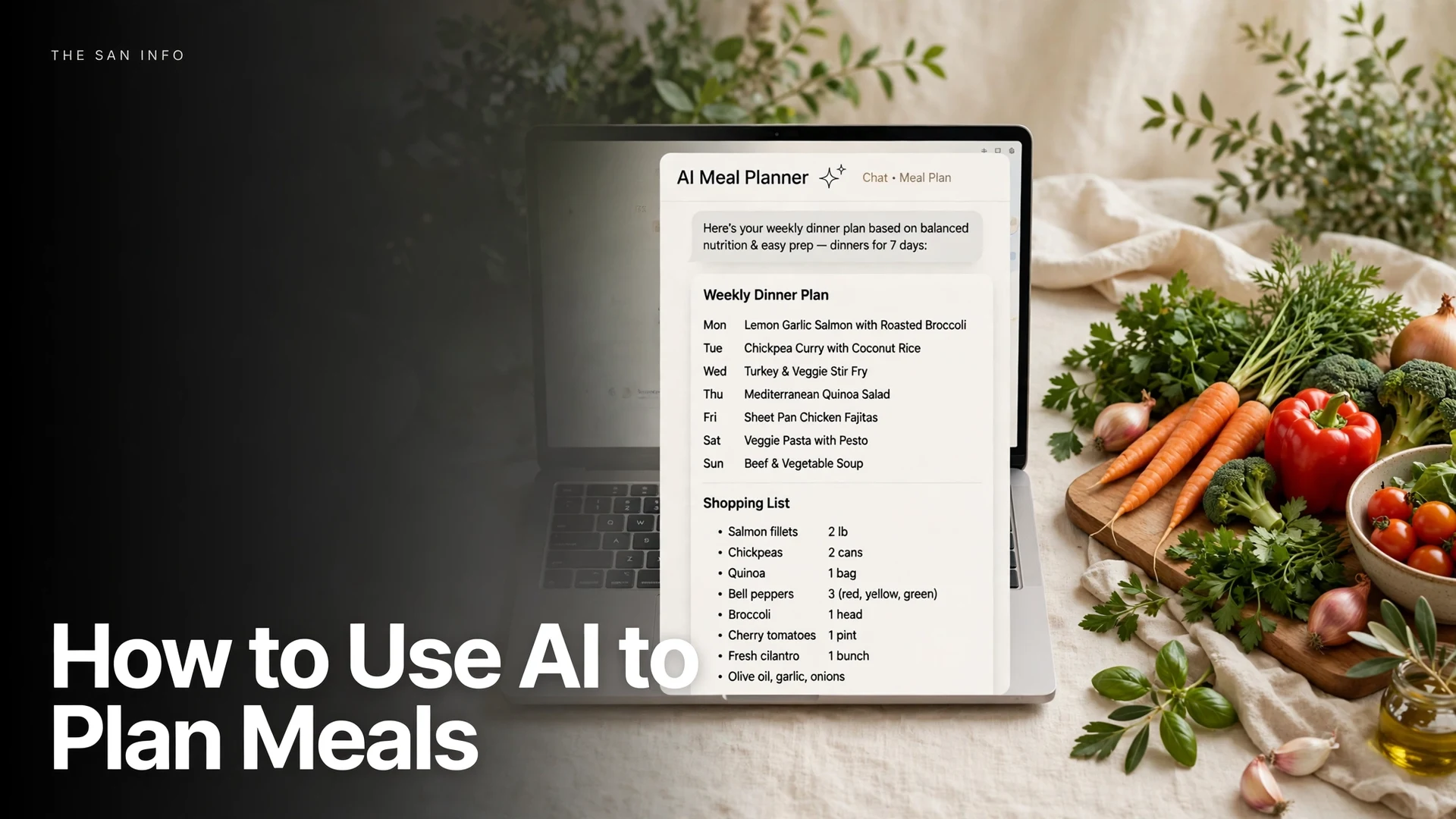
The sample below is illustrative — a realistic week for two adults with a $90 grocery budget, one vegetarian night, and a Thursday use-up slot — not a plan I cooked night by night, and not nutrition advice. Use it to judge the shape of a good plan: varied proteins, one slow night, one leftover night, and a shopping list that follows from the plan instead of preceding it.
- Monday: Chicken and vegetable stir-fry with rice (uses the peppers and carrots already in the fridge). About 25 minutes.
- Tuesday: Black bean tacos with corn, lime, and cabbage slaw. Vegetarian, about 20 minutes, and cheap enough to absorb a budget surprise elsewhere in the week.
- Wednesday: Pasta with tomato, spinach, and tuna, plus garlic bread from the freezer loaf. About 20 minutes.
- Thursday (use-up night): Egg fried rice with frozen peas, leftover chicken from Monday, and whatever vegetables remain. No new shopping.
- Friday: Sheet-pan sausage and roasted vegetables. One pan, about 35 minutes, and the leftovers become Saturday lunch.
- Saturday: Homemade pizzas on wraps or flatbread with cheese and remaining vegetables. A low-effort weekend meal.
- Sunday: Slow-cooker beef or bean stew, started in the morning. The week’s one long cook, and it stocks the freezer for next week.
Notice what the plan does not do: it does not repeat the same protein three nights running, it does not require a special trip for one ingredient, and it does not pretend Thursday’s fridge contents are predictable. If your AI plan fails any of those three tests, ask it to fix that specific problem. And if your eating plan supports a training goal, build the other half the same way — how to use AI to plan a workout uses the same profile-first method for a weekly training plan. — “replace the third chicken dinner with a vegetarian meal” works better than “make it better.”
How Do You Plan Meals From a Fridge Photo?
On nights when typing an inventory list feels like too much, photograph the fridge instead. This is the one place where a general chatbot beats a dedicated meal-planning app: you can show it what you have, in your own fridge, without retyping anything.
- Step 1: Take one clear photo of the open fridge, then closer photos of crowded shelves and drawers. Turn labels toward the camera where practical, and photograph the freezer and pantry too if you want those ingredients used.
- Step 2: In ChatGPT, Gemini, or Copilot, attach the photos and paste: “List every ingredient you can identify in these photos, with quantities where visible. Then plan 3 dinners for [household] using only these ingredients plus pantry staples, and tell me what you could not identify.”
- Step 3: Correct the list before you accept the plan. AI vision misreads labels, mistakes one sauce for another, and invents quantities for unlabeled containers. Tell it what is actually in the unlabeled tub, then ask it to re-plan.
- Step 4: Ask for the shopping list last, excluding everything the photos showed. If the AI puts an ingredient you already own on the shopping list, that is a sign it lost track of the photos — paste the corrected inventory list back in.
A photo plan is a starting point, not a verified inventory. Treat anything the AI claims about an unlabeled container, a quantity it could not see, or an allergy-relevant ingredient as unconfirmed until you check the container yourself. That one check is the difference between a clever trick and a ruined dinner.
Which AI Tool Is Best for Meal Planning?
For meal planning specifically, the differences between the big chatbots are smaller than their marketing suggests. All four handle text prompts, shopping lists, and plan rewrites well. The real differences are photo input, memory across weeks, and how each one behaves when it hits a limit. I tested the same pantry-first prompt shape across the tools in the course of writing this guide’s workflow — the table below reflects what each tool is built to do, not a lab benchmark, and limits change often, so check the tool’s own plan page before you commit to one for a deadline like a dinner party.
| Tool | Best for meal planning | Photo input | Watch out for |
|---|---|---|---|
| ChatGPT | Fridge photos, plan rewrites, saved chats you can reopen next week | Yes, in chat and in the app | Long threads can quietly drop an allergy constraint — restate it each week |
| Gemini | Plans built around your Google ecosystem, quick weeknight ideas | Yes, in chat and in the app | Usage limits are not published as a simple number, so a big plan can stall mid-week |
| Claude | Careful, well-structured plans and clear recipe writing | Yes, for images in chat | No image generation, and its no-cost tier is usage-based rather than unlimited |
| Microsoft Copilot | Windows and Microsoft 365 households, quick plans without a new account | Yes, in chat | Consumer limits are unpublished — keep your constraints block saved elsewhere |
My practical recommendation: start with whichever chatbot you already use, and keep your constraints block in a phone note so switching costs nothing. If you hit a limit on one tool mid-plan, paste the same constraints block into another — the plan will differ in style, but the ingredients, budget, and allergies travel with the prompt. For a deeper look at planning workflows in general, our guide to using AI to plan a trip uses the same constraints-first method for itineraries, and learning a language with ChatGPT shows how the same prompt-template habit works for a daily routine.
How Do You Keep an AI Meal Plan Safe?
Food safety is where AI meal planning needs the most skepticism, because the failure mode is not a bad dinner — it is an allergic reaction or a wrongly stored ingredient. Run this checklist on every plan, every week, and never delegate it to the chatbot.
- Allergies first, every time. Read the ingredient list of every recipe yourself. If you cook for someone with an allergy, check the package label — the “Contains” statement and the ingredient list — not the AI’s summary of it. The nine major allergens above must be declared on packaged foods in the United States, but an AI can still miss one in a sauce or a spice blend.
- Do not trust AI calorie or nutrition numbers. AI calorie estimates are guesses dressed as figures. If a number matters — for a medical diet, weight management, or a child’s meals — verify it against the package or a source like MyPlate, the USDA’s nutrition guide, and treat the AI figure as a rough starting point at best.
- Verify cooking times and temperatures. An AI can confidently tell you chicken is done in 12 minutes. Use a food thermometer and trusted recipe sources for meat, poultry, and seafood, and ignore any time that contradicts the package or a reliable cookbook.
- Do not paste sensitive information. Keep medical details, children’s full names, addresses, and payment information out of meal-planning chats. Allergies are the exception — the AI needs them to plan safely — but keep them to the allergy name, not a medical history.
- Check dates yourself. “Best by” dates describe quality, not safety, for most foods — but the AI cannot smell your milk. If a date or a smell is doubtful, throw it out and let the AI re-plan without that ingredient.
What Should You Do When the AI Plan Goes Wrong?
- The plan repeats the same meal: Say “no meal may repeat a protein from the previous two nights” and re-run. Constraints beat complaints.
- The shopping list includes things you own: Paste your inventory list again and say “remove every item on this list from the shopping list.” The AI lost context; give it back.
- A recipe has no quantities: Reply “rewrite with exact quantities for every ingredient, for [household size].” Do not shop from a quantity-less recipe.
- The budget blew out: Ask “which three ingredients cost the most, and what cheaper swap keeps the same meal?” Swap first, re-plan second.
- You hit a message limit mid-week: Save the plan and the constraints block, then continue in a new chat or another tool. A saved constraints block is the whole recovery plan.
The through-line is simple: AI meal planning saves the most time when you give it the most specifics, and it causes the most trouble when you accept its first answer uncritically. Ten minutes of inventory, one reusable constraints block, four prompts, and a two-minute safety check will beat any “plan my week” one-liner — this week and every week after it.
Frequently Asked Questions
Yes, but only if you name every allergy explicitly in the prompt — for example, ‘peanut allergy, severe’ — and then check every recipe yourself against the package label. AI tools can drop a constraint in a long conversation, and they cannot verify a sauce or spice blend the way a label can. The nine major allergens that must be declared on packaged foods in the United States are milk, eggs, fish, crustacean shellfish, tree nuts, peanuts, wheat, soybeans, and sesame.
No — treat them as rough estimates, not measurements. AI calorie figures are generated from typical values, not from weighing your ingredients, so they can be off by a wide margin for portion sizes, cooking methods, and brands. If a number matters for a medical diet or a child’s meals, verify it against the package or a trusted nutrition source such as MyPlate, and ignore any figure the AI states with more precision than its inputs support.
Start with whichever chatbot you already use — ChatGPT, Gemini, Claude, and Microsoft Copilot all handle meal plans, shopping lists, and rewrites well. The differences that matter are photo input for fridge-photo planning, how the tool behaves when you hit a usage limit, and whether your plan survives into next week as a saved chat. Keep your constraints block in a phone note so switching tools costs nothing.
Yes, and this is one of its strongest uses. Give it a weekly dollar amount, a store, and a preference for cheap staples such as beans, eggs, rice, and in-season vegetables, then ask it to show an estimated cost per meal and flag any ingredient over $5 so you can swap it. If the total still blows out, ask which three ingredients cost the most and what cheaper swap keeps the same meal.
Ask for the plan first, then say: ‘Turn that plan into a shopping list grouped by supermarket aisle, excluding everything on my inventory list.’ Asking in that order stops the AI from inventing ingredients, and grouping by aisle turns the list into something you can actually shop from on your phone. If an item you own appears on the list, paste your inventory list again — the AI lost context.
Yes. Photograph the open fridge, plus closer shots of crowded shelves, then attach the photos and ask the AI to list what it can identify and plan dinners from those ingredients plus pantry staples. Correct the list before you accept the plan: AI vision misreads labels and invents quantities for unlabeled containers, so tell it what is actually in the unlabeled tub and ask it to re-plan.